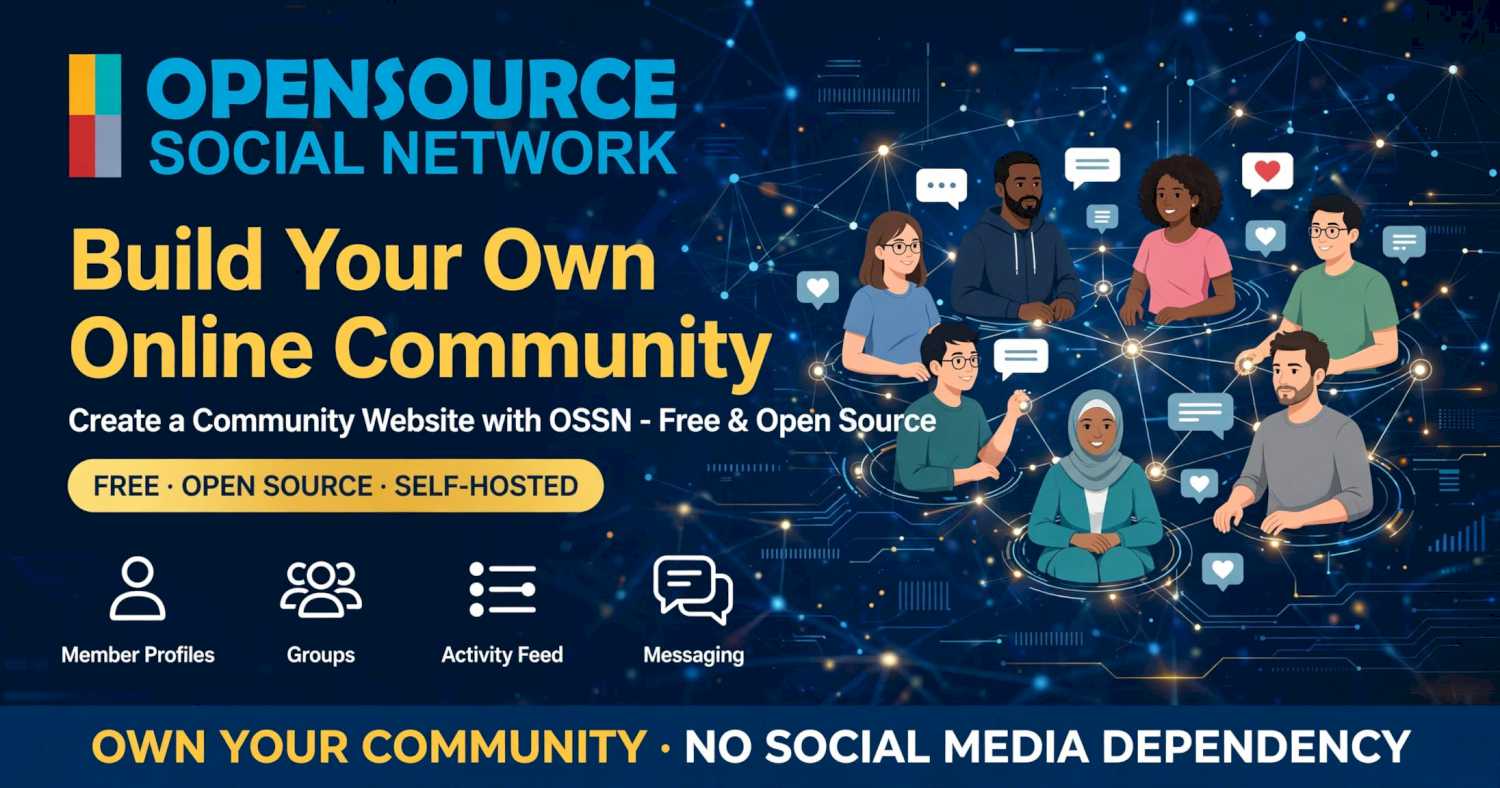
Building an online community is a great way to bring people together around shared interests, ideas, businesses, or causes. Whether you want to create a private community for members, a website for your organization, or a social platform for a specific audience, having your own community website gives you a dedicated place where people can connect and interact.
You don't need to develop everything from scratch or rely on an existing social media platform. With free, open-source community software, you can create your own website where members register, build profiles, share updates, join groups, and participate in discussions.
In this guide, we'll explain how to create a community website, which features to consider, and how to use Open Source Social Network (OSSN) to get started.
What Is a Community Website?
A community website is an online platform where people with common interests, goals, or affiliations can connect and communicate.
Unlike a traditional informational website, a community website encourages participation. Members can create accounts, interact with other people, publish content, ask questions, share photos, and take part in discussions.
Community websites can serve many purposes, including:
- Interest-based communities: Bring together people who share hobbies, interests, or passions.
- Private member communities: Create an online space for registered or approved members.
- Business communities: Connect customers, partners, employees, or professional groups.
- Nonprofit communities: Help supporters, volunteers, and members communicate and collaborate.
- Educational communities: Give students, teachers, and learners a place to share knowledge.
- Local communities: Connect people from a particular town, neighborhood, or region.
The purpose of your community determines which features you need and how you manage membership.
Why Create Your Own Community Website?
You can build a community using existing social media platforms, but you have limited control over their design, features, policies, and member experience.
Creating your own community website gives you more independence.
Here are some important benefits:
1. Own Your Community Platform
Your website operates under your own domain and hosting account. You decide how it looks, which features are available, and how the community is managed.
2. Control Membership
You can decide whether anyone can register or whether membership requires approval. This is useful for private groups, organizations, clubs, and membership-based communities.
3. Build Direct Relationships
Members can interact directly on your website instead of depending entirely on external social media platforms.
4. Customize the Experience
You can choose the design, add functionality, and configure the platform around your community's needs.
5. Grow Your Own Online Presence
A dedicated community website gives your organization or project a permanent online home and a place to build an active audience.
What Features Should a Community Website Have?
The right features make it easier for members to participate and keep the community active.
Consider including the following:
-
Member profiles: Allow people to create profiles and introduce themselves.
-
Activity feeds: Let members publish updates, share content, and follow community activity.
-
Groups: Organize members into smaller communities based on interests or topics.
-
Comments and likes: Encourage interaction with member posts.
-
Photo sharing: Give members a way to share images and experiences.
-
Messaging: Allow members to communicate with one another.
-
Registration and login: Provide a straightforward way to join and access the community.
-
Administration and moderation: Give administrators tools to manage members and community activity.
You don't necessarily need every feature on the first day. Start with the essentials and expand as your community grows.
How to Create a Community Website Using OSSN
Open Source Social Network (OSSN) is free, open-source social networking software that you can use to create your own community website.
Instead of building profiles, activity feeds, groups, and social interactions from scratch, you can start with OSSN's existing functionality and customize it for your audience.
Follow these steps to get started.
Step 1: Define Your Community
Before installing any software, decide who your community is for and what members will use the website to do.
For example, you might want to create:
-
A private community for an organization.
-
A social network for people with shared interests.
-
A membership website for a club or association.
-
An online community for customers or employees.
-
A platform for a nonprofit organization.
Having a clear purpose will help you choose the right features and community settings.
Step 2: Choose a Domain Name
Register a domain name that represents your community. Keep it simple, recognizable, and easy to remember.
Your domain will become the main address members use to visit your website.
Step 3: Get Web Hosting
Choose a hosting service that meets OSSN's server requirements.
A VPS gives you control over the server environment and is a suitable option if you want to manage your own installation. Consider storage, memory, bandwidth, backups, and the expected number of members when selecting your hosting plan.
Step 4: Install Community Website Software
You can develop a community platform yourself, but using existing software can save considerable development time.
OSSN provides a free starting point with built-in social networking features.
You can download OSSN and install it on your server. You can download now!
Once installed, complete the web-based setup and access your new community website.
Step 5: Customize Your Community Website
Give your community its own identity.
Add your website name, logo, and branding. Choose a suitable theme and configure the available features to match your audience.
You can also extend the platform using OSSN components and themes as your requirements change.
Step 6: Configure Membership and Privacy
Decide how people can become members.
Depending on your community, you may want to allow public registration or require administrator approval before accounts become active.
Set community guidelines and decide how posts, profiles, and member activity should be moderated.
For private communities, review access settings carefully and test them using a regular member account.
Step 7: Test Your Website
Before inviting people, test the main features.
Create a test account and check registration, login, profiles, posts, comments, groups, messaging, and other enabled functionality.
Make sure the website works on desktop and mobile devices. Configure HTTPS and email delivery, and verify that important account emails can reach members.
Step 8: Invite Members and Grow Your Community
Your website is ready for its first members.
Start by inviting people who are genuinely interested in the community's purpose. Publish useful content, encourage discussions, and make it easy for new members to participate.
An active community takes time to develop. Consistent engagement and good moderation help create an environment where people want to return.
How Much Does It Cost to Create a Community Website?
The cost depends on your hosting, domain, software, and customization requirements.
Using free open-source software such as OSSN means you don't need to pay a software license fee to get started with its free version.
However, you should budget for:
- Domain registration.
- Web hosting or VPS.
- Backups and server maintenance.
- Optional themes and components.
- Custom development, if required.
If you manage the installation and server yourself, you can reduce the overall cost. You can also expand your website gradually instead of paying for features you don't currently need.
Can You Create a Private Community Website?
Yes. You can build a community website specifically for a selected group of people.
Examples include employee communities, private clubs, nonprofit organizations, membership groups, and communities for registered customers.
You can configure how members register and manage access according to your requirements. However, a genuinely private community also needs appropriate server security, account permissions, and ongoing administration.
Can You Create a Community Website for Free?
Yes. You can use free, open-source software such as OSSN to build your community website without paying a software license fee for the free version.
You will still need a domain and hosting to make the website accessible online. Additional themes, components, and professional development services may also involve costs.
The advantage of open-source software is that you can start with the free platform and customize or extend it as your community develops.
Start Building Your Own Online Community
Creating a community website gives you a dedicated space where people can connect, share ideas, and build relationships. You control the platform, membership experience, design, and direction of your community.
With Open Source Social Network (OSSN), you can start with free, open-source social networking software instead of developing every feature yourself.
Whether you're building a private member community, an organization website, or a social network around a particular interest, OSSN gives you a foundation to create and grow your own online community.