Profile And Group Post Notifier

 Michael Zülsdorff
5 years ago
Michael Zülsdorff
5 years ago
Profile And Group Post Notifier
This component
- notifies a member when someone submitted a post on his profile page
- notifies every group member when someone submitted a post in that group
Michael Zülsdorff
Replied 5 years ago
Hi Hugo,
I have just made 2 pull requests which should speed up things a bit ... hopefully :)
Please give them a try.

Erassus ︎ ︎
Replied 5 years ago
Hi Michael,
I made a new test from scratch. I didnt installed the component (Profile and group notifier)
I have this slowdown when browsing with the member list too. Also i opened a new tab with the backend administrator, if the first tab is loading (front end), the second tab too (backend), its seems cpu or database busy.
I installed group moderators component and picked a random member (User27823) now is moderator.
user27823 (moderator) :
Time wait to view the group: 48s
Time wait to view member list: 24s
Time wait to change page (/group/1/members?offset=5000 or random page number) : 24
user16741 (non-moderator) :
Time wait to view the group: 24s
Time wait to view member list: 24s
Time wait to change page (/group/1/members?offset=5000 or random page number) : 24.
Also, lets say if i want to make "John Doe" a moderator, but i dont know in what number page of the member list he is.
I think Groups component needs a improvement, but how.
Removing the member list will be fix that? but the admin or moderator can't access to the list after that.
Here is a idea: a search bar to find members and only showing the last 10 members in the list. If you want to see more members, the page loads (like when scrolling through /home).
So the concept will help to minimize the group component loading or fetching the cpu or sql database when entering to see the group or member list, probably?
If i'm not mistaken, i'm thinking canModerate or something is making the cpu/sql fetch heavy.
Michael Zülsdorff
Replied 5 years ago
Hi Hugo,
thanks again for spending all that time on that.
What I'd still like to investigate: Interesting is only administrator have the double time to wait to see the group (loading time). All users have to wait between 24-25 seconds.
I'm almost sure that this isn't actually related to the administrator account only, but to all those accounts in general which are allowed to manage a group. So please do me a favor and make one of your 50000 normal members a moderator of your test group. I guess that this moderator will notice the same slowdown then.
Erassus ︎ ︎
Replied 5 years ago
With /home i dont have any issues, its displayed instantly.
ossn_com.php L35 | false
Administrator
Time wait to view the group (left menu sidebar access) : 51.49 seconds
Time wait to appear the post once is post: 08.14 seconds
User 00001
Time wait to view the group (left menu sidebar access) : 24.86 seconds
TTime wait to appear the post once is post: 07.53 seconds
ossn_com.php L35 | 40000
User 00002
Time wait to view the group (left menu sidebar access) : 24.85 seconds
Time wait to appear the post once is post: 05.90 seconds
ossn_com.php L35 | 30000
User 00003
Time wait to view the group (left menu sidebar access) : 25.09 seconds
Time wait to appear the post once is post: 04.10 seconds
ossn_com.php L35 | 20000
User 00004
Time wait to view the group (left menu sidebar access) : 25.68 seconds
Time wait to appear the post once is post: 02.26 seconds
ossn_com.php L35 | 10000
User 00005
Time wait to view the group (left menu sidebar access) : 24.86 seconds
TTime wait to appear the post once is post: 02.20 seconds
ossn_com.php L35 | 5000
User 00006
Time wait to view the group (left menu sidebar access) : 25.06 seconds
Time wait to appear the post once is post: 01.28 seconds
ossn_com.php L35 | 1000
User 00007
Time wait to view the group (left menu sidebar access) : 25.16 seconds
Time wait to appear the post once is post: 00.72 seconds
Summary:
As you can see, each test was made by different user. Interesting is only administrator have the double time to wait to see the group (loading time). All users have to wait between 24-25 seconds.
The post loading time goes from 8 sec to 1 sec approx from [ false / 50000 ] to 1000 to appear.
Michael Zülsdorff
Replied 5 years ago
Thanks for your effort and findings, Hugo!
- Re cash: Actually, the Ossn cache has almost no impact on database activities, it's caching and optimizing Javascript and CSS code in first place. Thus, the difference you found won't be much different with 10 members only, I guess.
- Ok, then inserting 50000 notification records takes 9 seconds. What I'm interested in is whether the duration until the post appears is linear? So if you have the time, please use your 50000 members site, then replace
falseon line 35 with40000, do another post, replace it with30000do another post, and so on down to1000and provide the seconds it takes. - What I'm concerned about is why it takes 50/53 seconds to display the groups page? How many seconds does it take to display /home?
Erassus ︎ ︎
Replied 5 years ago
I made a snapshot with the 50k users- (.ova file of my vm) so i can avoid the waiting for newer tests in the future.
So here are my findings:
-
It took 50 seconds to the site to show the TEST group with 50.000 members. (Cache enabled) every time to i want to see the group.
-
With cache disabled, 53 seconds. Same behavior. Every time.
-
It took 9 seconds to my post appear when i post in the group.
-
The notification for all 50.000 members was instantly (i think took the same 9 second when the post was processing)
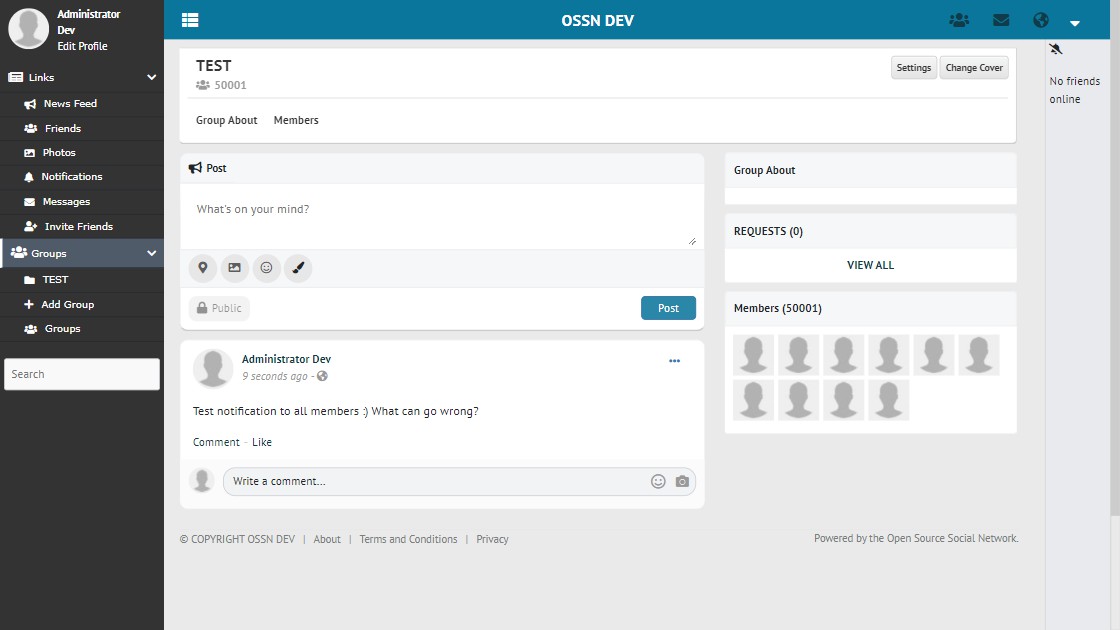
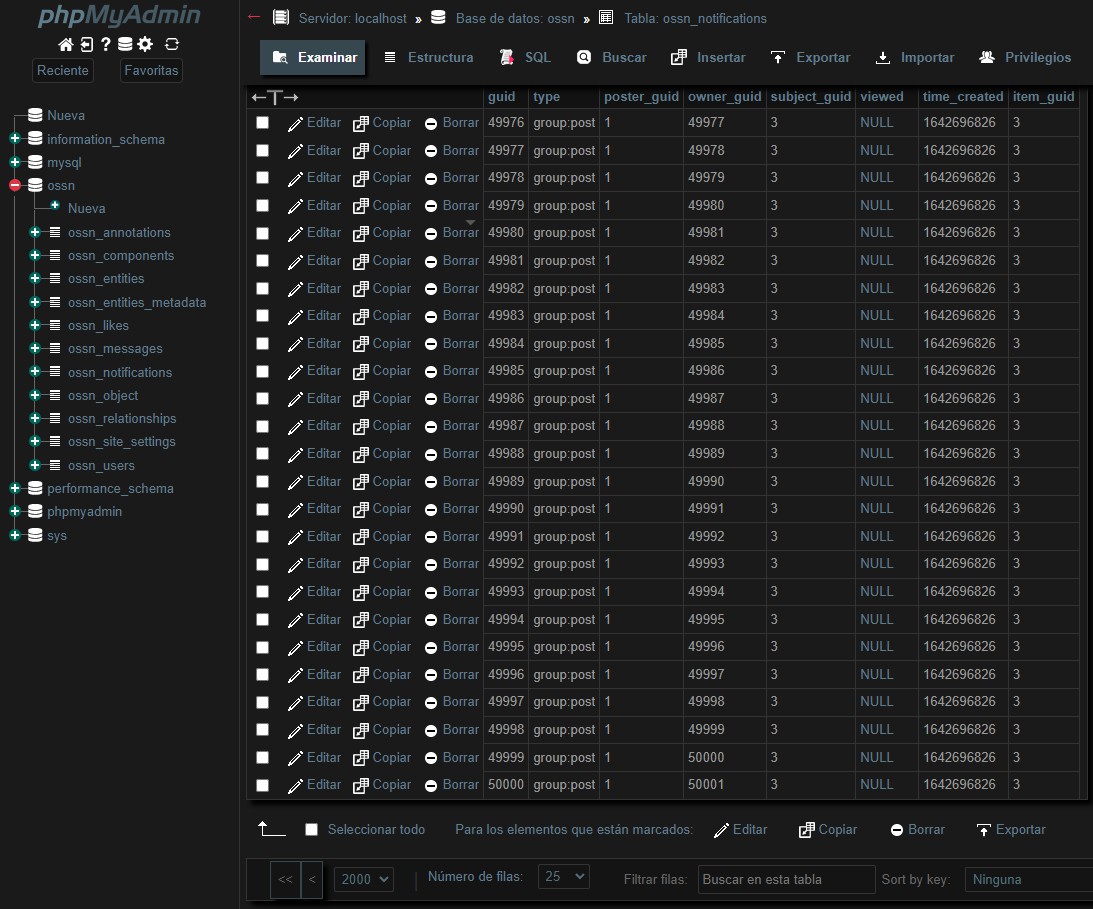
Then i used then the user 25000 to make a random post the same group. Same behavior.
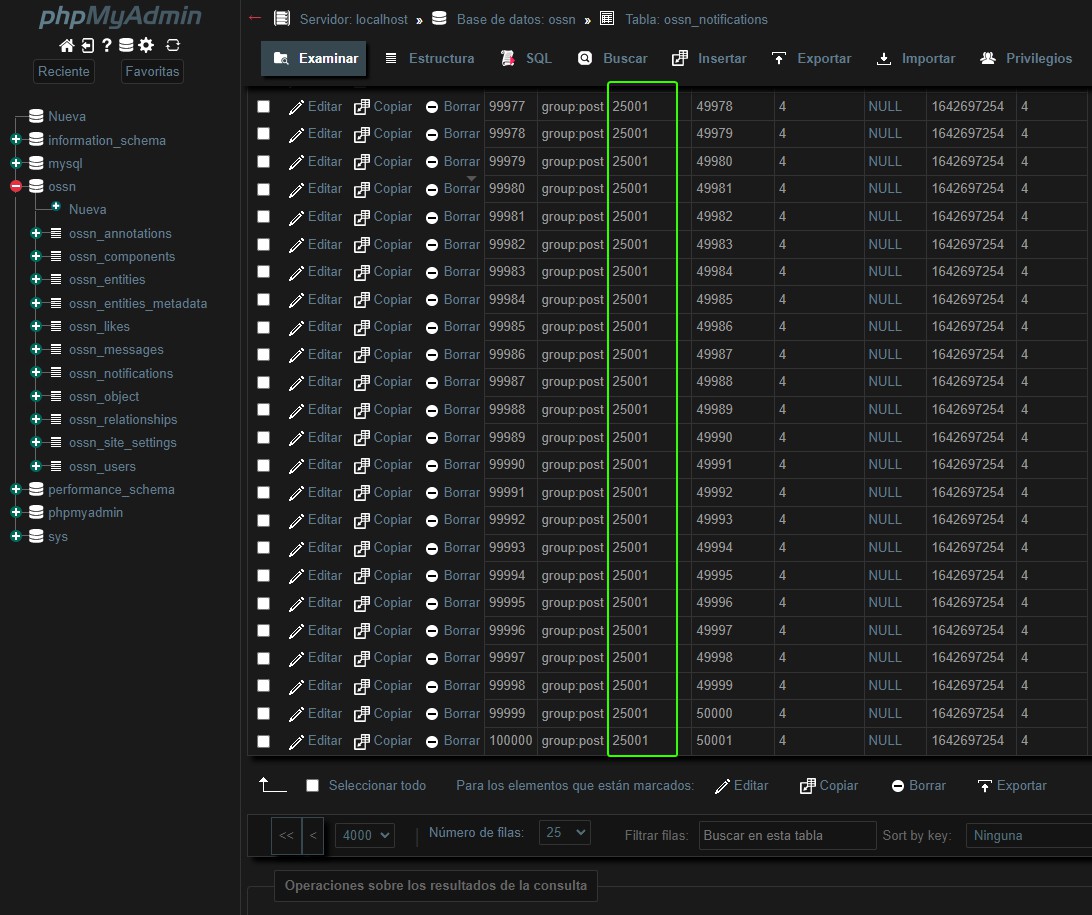
Test finished with success :)
Erassus ︎ ︎
Replied 5 years ago
@Michael
Hi Michael, thanks for the reply.
I just upgraded from fresh install with php 8.
i made the changes in the /etc/php/8.0/apache2/php.ini and now works, thanks for the suggestion.
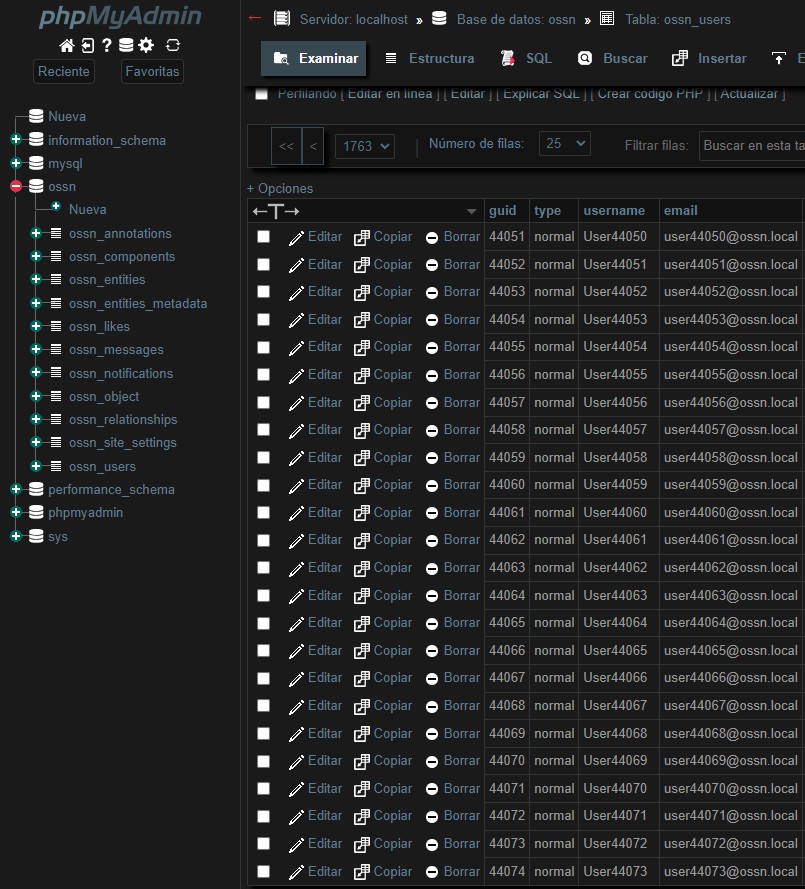
with a .csv with 50.000 users it will took more than 1 hour for the processing.
So i need to change the time for more than 3600 seconds so i can hit 50k.
It's seems 50-100 users per second i think.
I will reply whe the test is done with the ammount of members and see what happens with the notification groups :)
Michael Zülsdorff
Replied 5 years ago
Thx, Arsalan! :)
@Hugo:
check your apache server log, errors of type 500 should be listed there. most likely you need to twist some PHP environment variables like max_execution_time, upload_max_filesize and friends to allow larger imports.

Arsalan Shah
Replied 5 years ago
Very nice!
Erassus ︎ ︎
Replied 5 years ago
Hi Michael,
In my virtual machine here are the specs:
2 GB RAM
1 CPU
20 GB SSD
Running Ubuntu with Apache, and all the stuff.
With 1000 members, i didnt notice any lag or hanging when i posted, its seems all was instantly.
I verified in my database, 999 records. But i'm unsure how is going to be in real production environment.
I want to test with 10.000 or 50.000 < i think this is a reasonable limit or a good number for a group membership in my experience with Facebook for example.
But i have a problem with CSV User Import, i only can upload between 500 aprox. users for each upload. so i make multiples .csv files, but this make more effort. When i use more than 530+ users in a .csv file, the site gets a 500 error o "hanging".
The orphaned notifications reminds me the Active Directory orphaned objects, i think with a SQL script or the concept of Delete Messages component will be a good idea to search orphaned records, but this is another history, and is not critical (404 is doing the job)
In summary, all seems working fine. For my community for example is still small (800 users, but in the next months i will face a new wave of users migrating from other social network) but will not be a big impact.
PS: Sorry, my english is not perfect, if some comments sounds strange :-(