AccessHub

 eric redegeld
11 months ago
eric redegeld
11 months ago
Hope its done right here
please test it, dutch and English
user
demouser
DemoUser
for access
want the component?
https://ko-fi.com/s/94436bc764
And send me mail with your paypal/email handler to [email protected]
working:
AccessHub is a comprehensive, enterprise-grade accessibility component for OSSN that combines keyboard shortcuts, voice navigation, and screen reader support into a single, unified solution.
test it on shared and premium OSSN
✅ Compliance Standards
- WCAG 2.1 Level AA - Web Content Accessibility Guidelines
- EAA Ready - European Accessibility Act compliant
- Section 508 - US Federal accessibility standards
- ADA Compliant - Americans with Disabilities Act
🌟 Features
⌨️ Keyboard Shortcuts
Complete keyboard navigation without mouse:
-
Alt + 1- Home/Newsfeed -
Alt + 2- Your Profile -
Alt + 3- Notifications -
Alt + 4- Messages -
Alt + N- Create New Post -
Alt + S- Submit Form -
Alt + /- Search -
Alt + L- Logout -
Alt + ↑/↓- Navigate Posts -
Alt + Enter- Read Post Aloud
🎤 Voice Control
Speak natural language commands:
- "Startpagina" / "Home" - Go to home
- "Profiel" / "Profile" - Your profile
- "Berichten" / "Messages" - Open messages
- "Vrienden" / "Friends" - Friends list
- "Notificaties" - Notifications
- "Sneltoetsen" / "Shortcuts" - Open help
- "Lees voor" - Toggle read aloud
- "Uitloggen" / "Logout" - Log out
- Plus: Dictation into any text field!
🔊 Read Aloud
- Toggle on/off with button
- Hover over text to hear it spoken
- Select posts and read them with Alt+Enter
- Automatic language detection (NL/EN)
📢 Feedback System
- Audio: Spoken confirmations
- Visual: On-screen notifications
- Both: Fully customizable
other languages follows
Eric redegeld
Replied 11 months ago
just upload the altered version.
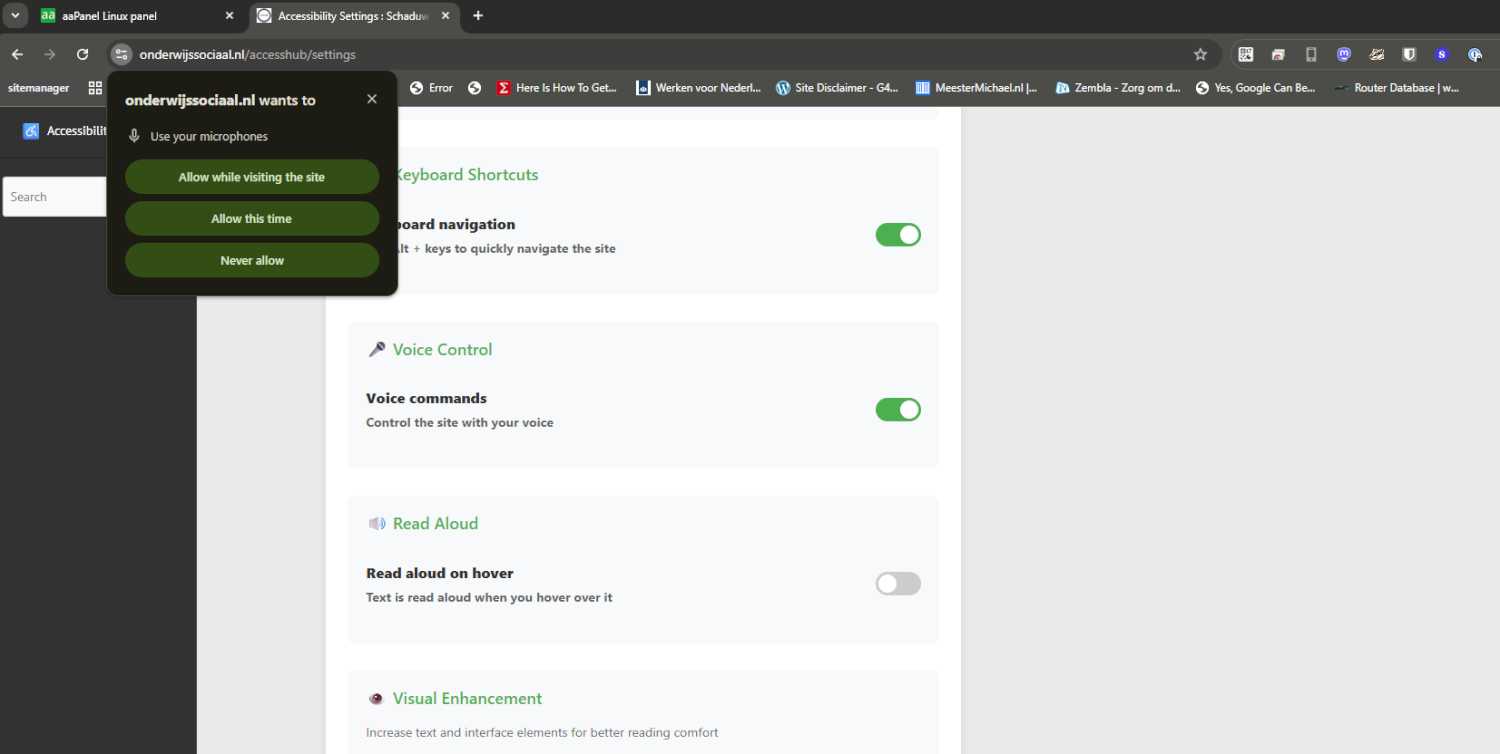
When you activate the voice command, fist time the pop up appears
needs tweaking i see. So bare with me
What happens now, mic also listen to the read aloud voice and gives unknown command back
trunig off the Audio feedback
Hear confirmations for actions works better

Michael Zülsdorff
Replied 11 months ago
I still don't get it ...
That's how it looks like after logging into https://onderwijssociaal.nl as demouser:
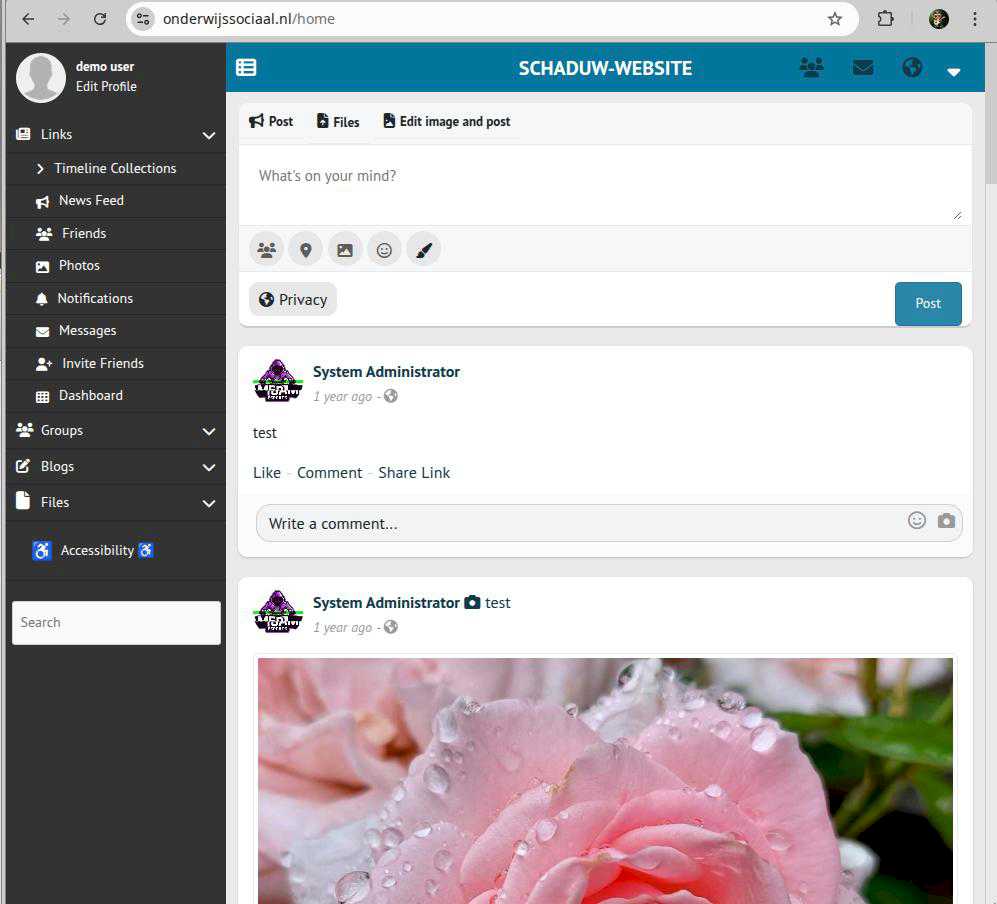
Speech is working fine on hovering links, etc.
But WHERE is that MIC button you are talking about? I cannot locate it.
Please send a screenshot showing that MIC button,
Eric redegeld
Replied 11 months ago
i will install clean ossn on the shared hosted sandbox
Eric redegeld
Replied 11 months ago
well, again weird
got it on my vps with premium sandbox.
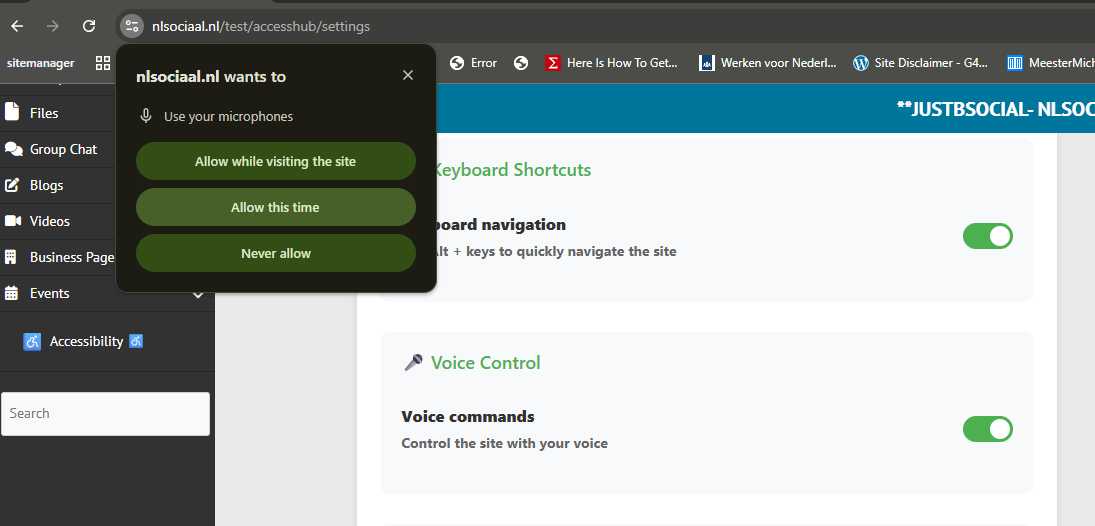
after turning on the mic button and save.
The notification pop up
https://screenrec.com/share/HGjEazh08f
Michael Zülsdorff
Replied 11 months ago
There's a visual indicator (microphone icon with status) in the AccessHub button
Sorry, I can't locate it. Please, post a screenshot, Eric.
Eric redegeld
Replied 11 months ago
Good question! Here's how it currently works:
The voice recording function is activated through the AccessHub settings (the accessibility icon). Currently the flow is:
You go to AccessHub settings
You toggle "Voice Commands" on or off
When turning it on, the browser asks for microphone permission (if not already granted)
But you're right - a clearer flow would be better:
A better UX would include:
A dedicated microphone button in the AccessHub interface itself
A pop-up dialog that appears on first use, explaining:Why microphone access is needed
Which voice commands are available
Privacy guarantee (local processing, nothing is stored)
"Allow" and "Deny" buttons
Current implementation:
The browser shows its own permission dialog (like in your screenshot)
After acceptance, speech recognition is active when the feature is enabled in settings
There's a visual indicator (microphone icon with status) in the AccessHub button
V1 starts this way butt wont work. I dont give up!!!
V6 now and 7 with mic option:-)
Michael Zülsdorff
Replied 11 months ago
Please explain which way voice recording gets started? (I miss some buttons ... or alike to turn it on/off)
Without recording turned on, spoken commands can't work of course
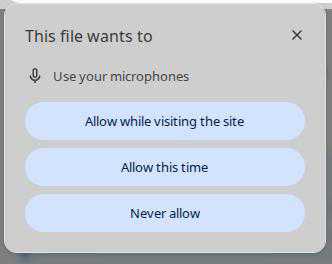
A dialog like that would appear you need to confirm first ...
Michael Zülsdorff
Replied 11 months ago
the correct font url is
https://cdn.jsdelivr.net/npm/[email protected]/open-dyslexic-regular.min.css
further testing your site is impossible: getting a white page after login
Eric redegeld
Replied 11 months ago
fun doing this
okay
https://onderwijssociaal.nl/home
now on 8.9, and "Uncaught TypeError: e.target.closest is not a function" gone?
i hope
Dyslect font bit difficult. but almost fixed
Eric redegeld
Replied 11 months ago
a Arsalan that would be the dyslect font. look in to that.
i first upgrade the test site to latest and fix the e.target.closest Michael
kicks in based on saved preference user