I translated to Thai, but after logging in and setting the profile to Thai, I immediately get a white screen with emojis.


I translated the language files into Thai, and once I logged in, other pages still work fine, but the website's main page looks like this. I would like to know how to fix it.
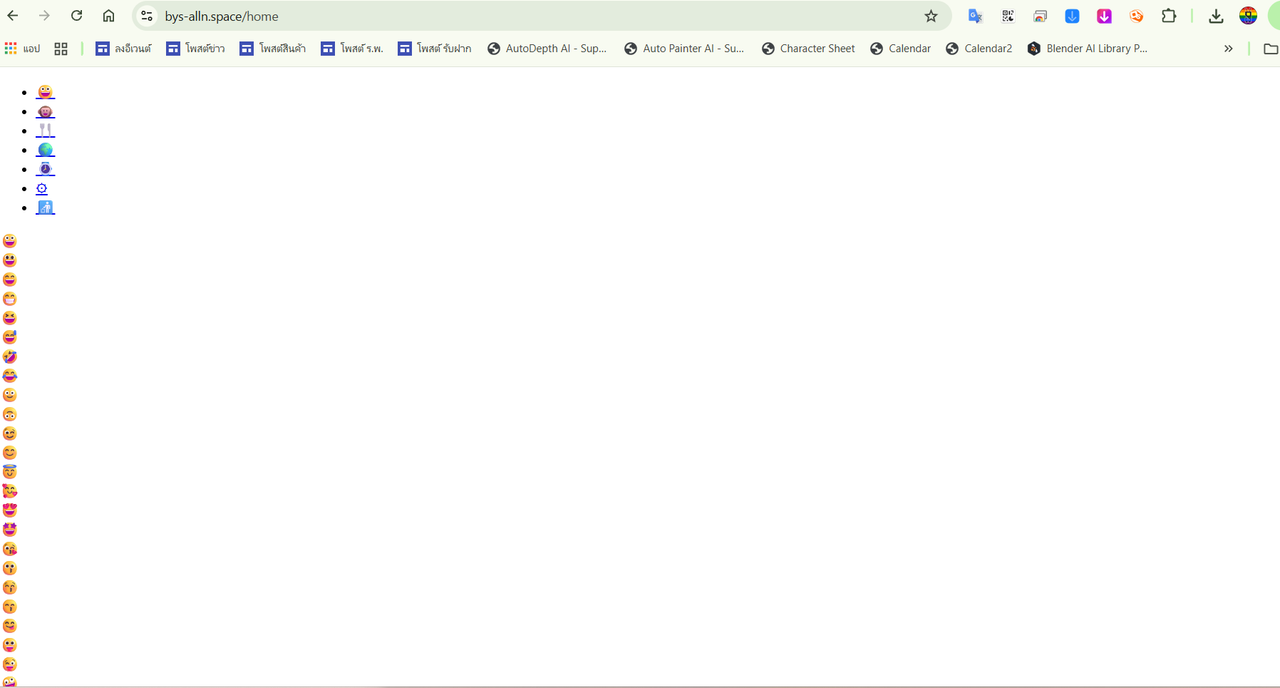
Yes, I have already disabled the cache and enabled error reporting as advised in III.2 and III.3

You had disabled cache and enabled error reporting (as advised in III. 2) and III. 3) ?
I’ve applied the changes as described in the documentation, but nothing has changed. The problem remains exactly the same as before."
You should replace
'powered' => 'ขับเคลื่อนโดย Open Source Social Network',
by
'powered' => 'Powered by the Open Source Social Network.',
It's recommended to study the documentation before applying any changes to Ossn.
See https://www.opensource-socialnetwork.org/wiki/view/2132/how-to-translate-ossn
paragraph II d)

You provided zip of files only and i have no time to rename all those (1) (2) files and then put in correct folders to check, you either need to provide full installation files or put those files in correct folder and provide us.
Can you make zip of whole installation and provide because like this its difficult rename the files and put in correct folder
Due to the many requests in the past for additonal features and components we have decided to develope a premium version. Features like Hashtags, Videos, Polls, Events, Stories, Link Preview, etc included in it.
 $199 (Life Time)
Learn More