Open Source Social Network Software (OSSN) 9.4 has been released


- [E] Group members list should follow new users/list format #2548
- [B] .user-username-sub is hidden from users/list #2550
- [E] forms/signup/before/submit missing in signup form #2549
- [E] Improve Installation UI OSSN 9.4 #2542
- [E] Remove locales from installation as its not used and if required we need to add language selector #2551
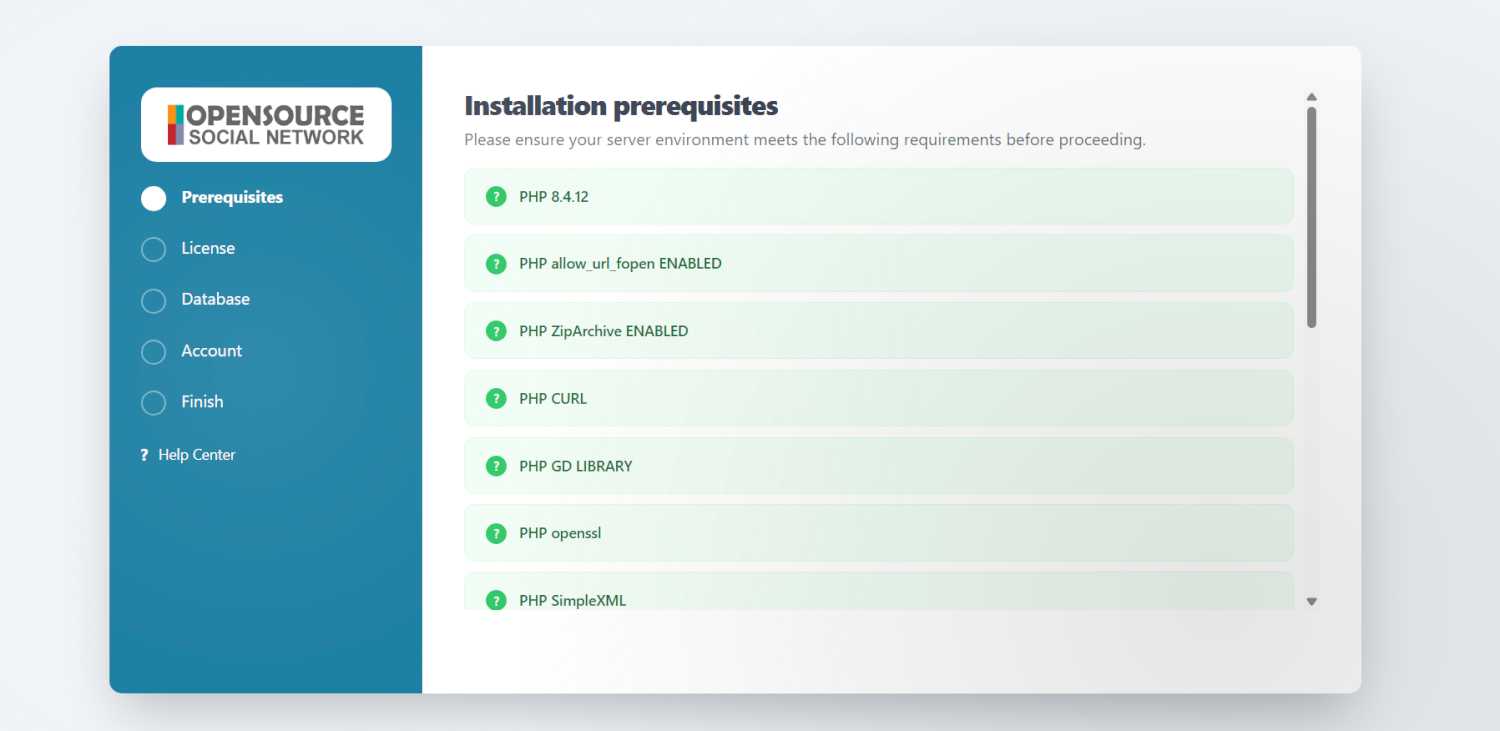
I am not sure if there is such a message like : FATAL: You missed to update Ossn correctly .
I have searched and found no such a message.
You need to replace all the files and then run this. Make sure again to replace all the files

@Arsalan Shah, I did it so, with my admin account. And I have to de-activate the cache an delete the installation directory after upgrading. I know the procedure. I have checked the settings:
Install Dir Owner (perms 0777) and data directory (ossn_data) has also perms 0777.
FATAL: You missed to update Ossn correctly - run https://yourwebsite.com/ossn/upgrade/upgrade.php as soon as possible.
It seems to be an error with PHP or Apache? When I am using the apache 2.4 Version on my NAS I got this screenshot
PHP Version 8.4.14 is okay?
You need to run yourwebsite.com/upgrade/upgrade.php while you are loggedin as admin
I tried it on a localhost for test purposes, it worked. Now I wanted to update my existing OSSN version on my Synology NAS (private Network for friends). Everything went fine, but now I stell see OSSN Version 8.9, although I updated to OSSN 9.4.
I also tried to install the file components updater, but I got a message OSSN 9.3 and more is required.
File version is correctly. I also checked the XML file, it's correct, Version 9.4; release and build version is 1773864888.
I also have changed the language into English, it's also the same information: OSSN 8.9 and file version 9.4
My localhost version (for testing purposes) is shown correctly, version 9.4 and file version 9.4.
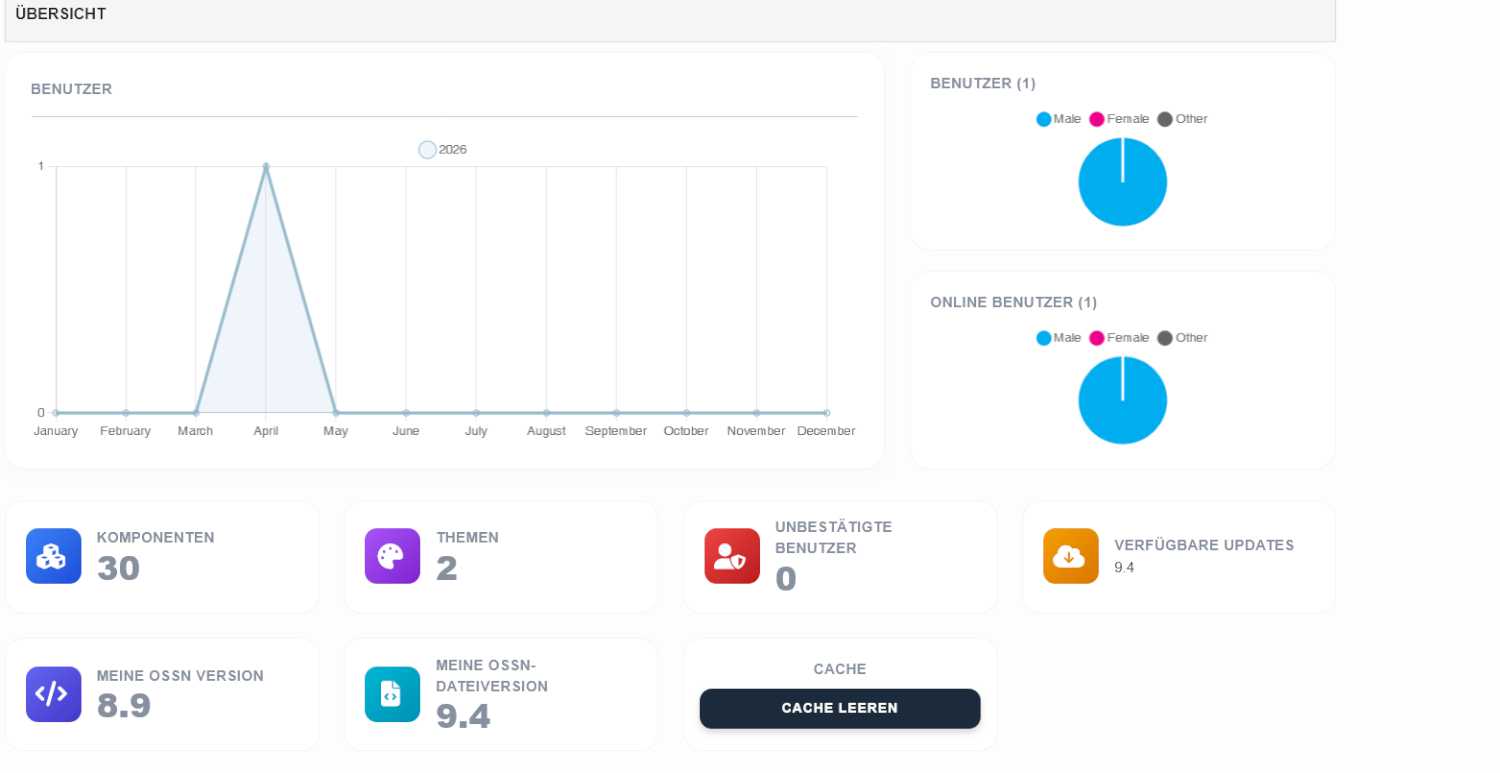
Has everyone a solution therefore?
Download and extract, copy files and replace the files in components ComponentUpdates
https://www.opensource-socialnetwork.org/component/view/6803/component-updates-watcher

old components not working with the new version.
Due to the many requests in the past for additonal features and components we have decided to develope a premium version. Features like Hashtags, Videos, Polls, Events, Stories, Link Preview, etc included in it.
 $199 (Life Time)
Learn More