Open Source Social Network Software (OSSN) 9.4 has been released


- [E] Group members list should follow new users/list format #2548
- [B] .user-username-sub is hidden from users/list #2550
- [E] forms/signup/before/submit missing in signup form #2549
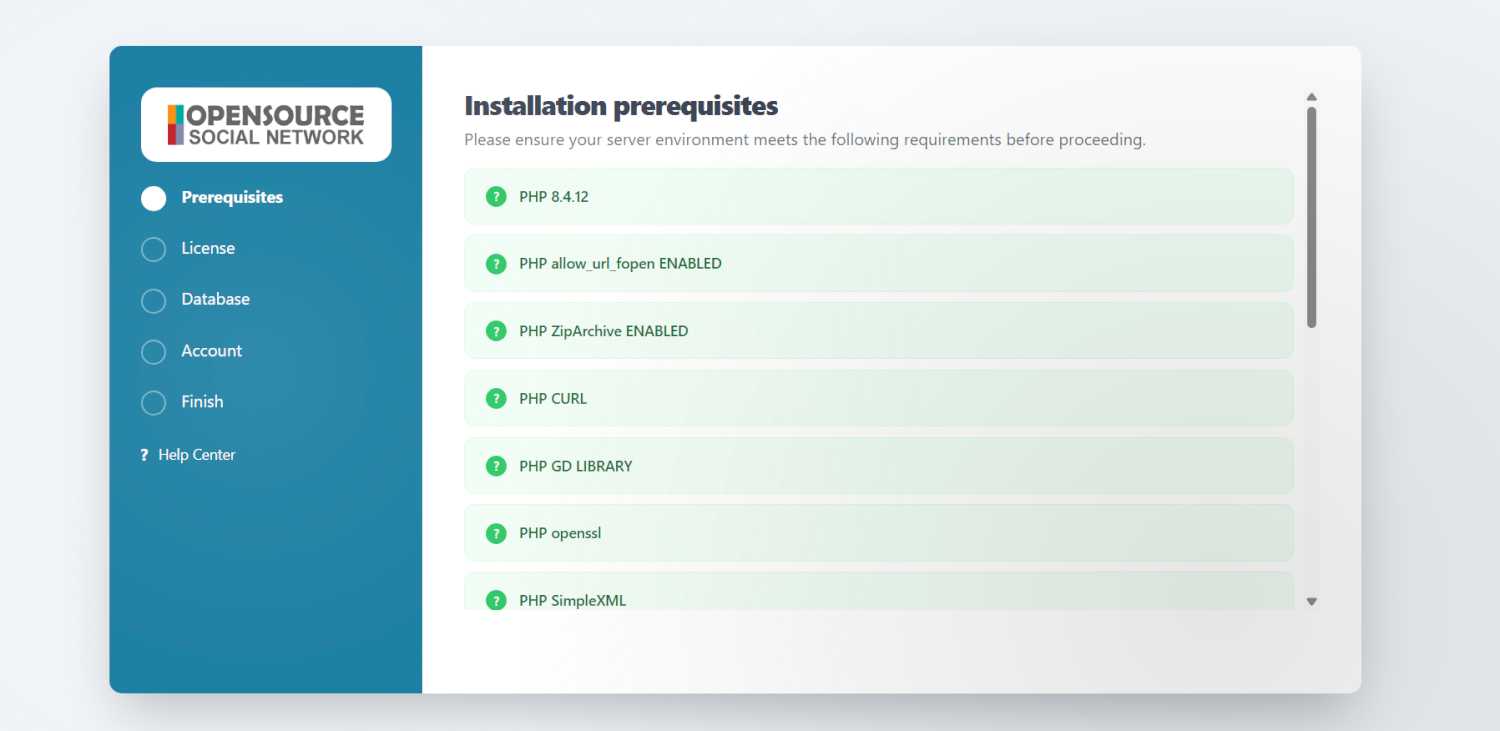
- [E] Improve Installation UI OSSN 9.4 #2542
- [E] Remove locales from installation as its not used and if required we need to add language selector #2551
Now you did other mistake by changing version manually, because you didn't run upgrade script which runs many things in backend. Once its done version automatically changes to the current version

I found the mistake. I had to change the OSSN version inside the database settings manually from 8.9 to 9.4
Why the version was not updated automatically, I don't know.
Steps: First I have installed OSSN 8.9 and created a database and and a database user, both called ossn
After installing OSSN 8.9 - I made immediately an update to OSSN 9.4 - which worked, but the wrong OSSN Version has been shown in the information. Why, I don't know.
But I can't directly install OSSN 9.4 to my NAS without upgrading from 8.9 to 9.4
You can try to install 8.9 and then upgrade to 9.x and see yes there is no such a file. That is purpose of rewrite
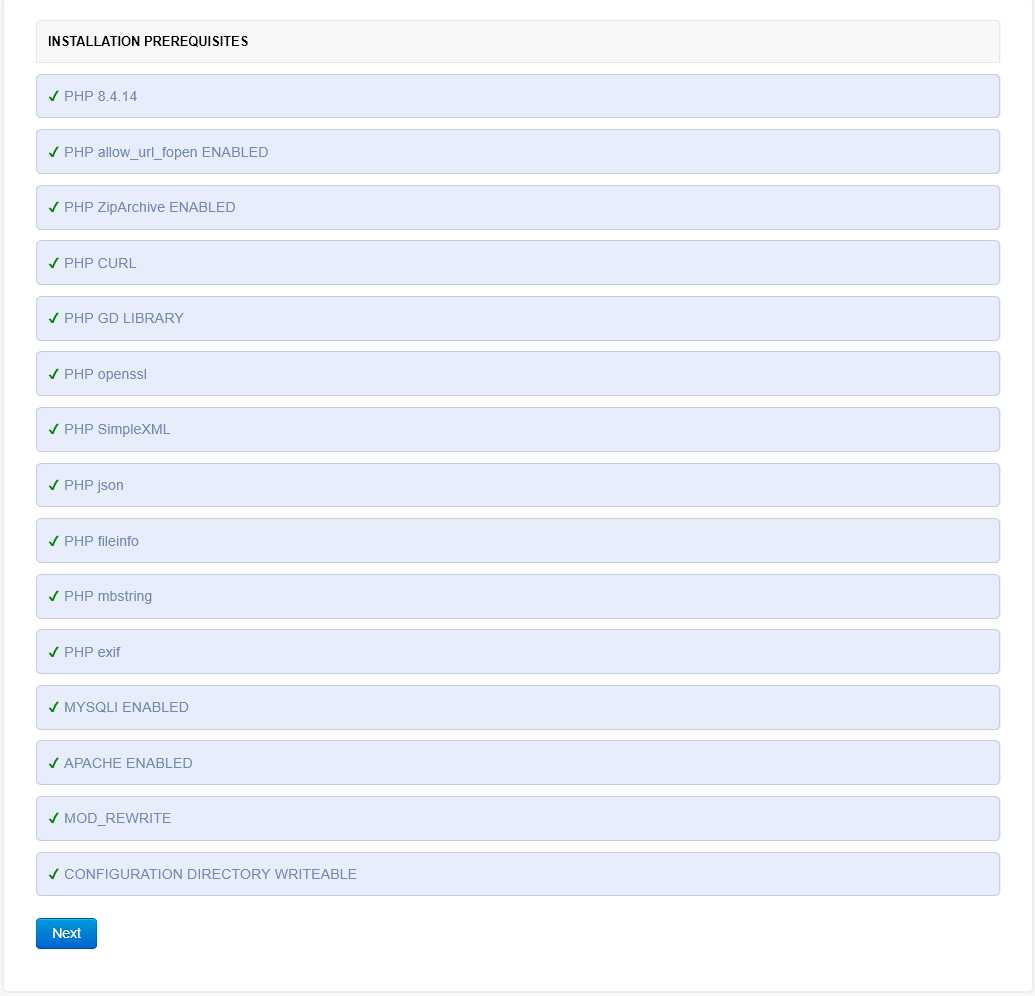
It works with OSSN 8.9 perfectly!
@Arsalah Shah: I never had such a file in my root directory of my website. I got the message "file not found".
If I would have a template to create this file, I would do it.
What do you see when you open www.yourwebsite.com/rewrite.php ?
Arsalan Shah: I have hosted OSSN also on a localhost (XAMPP oder Laragon). It works perfectly with XAMPP or Laragon! Webserver is Apache 2.4.
I am also using Apache 2.4 for my Synology NAS. Every program is working fine, except OSSN.
Simply use Xampp on windows and lampp on Linux for testing
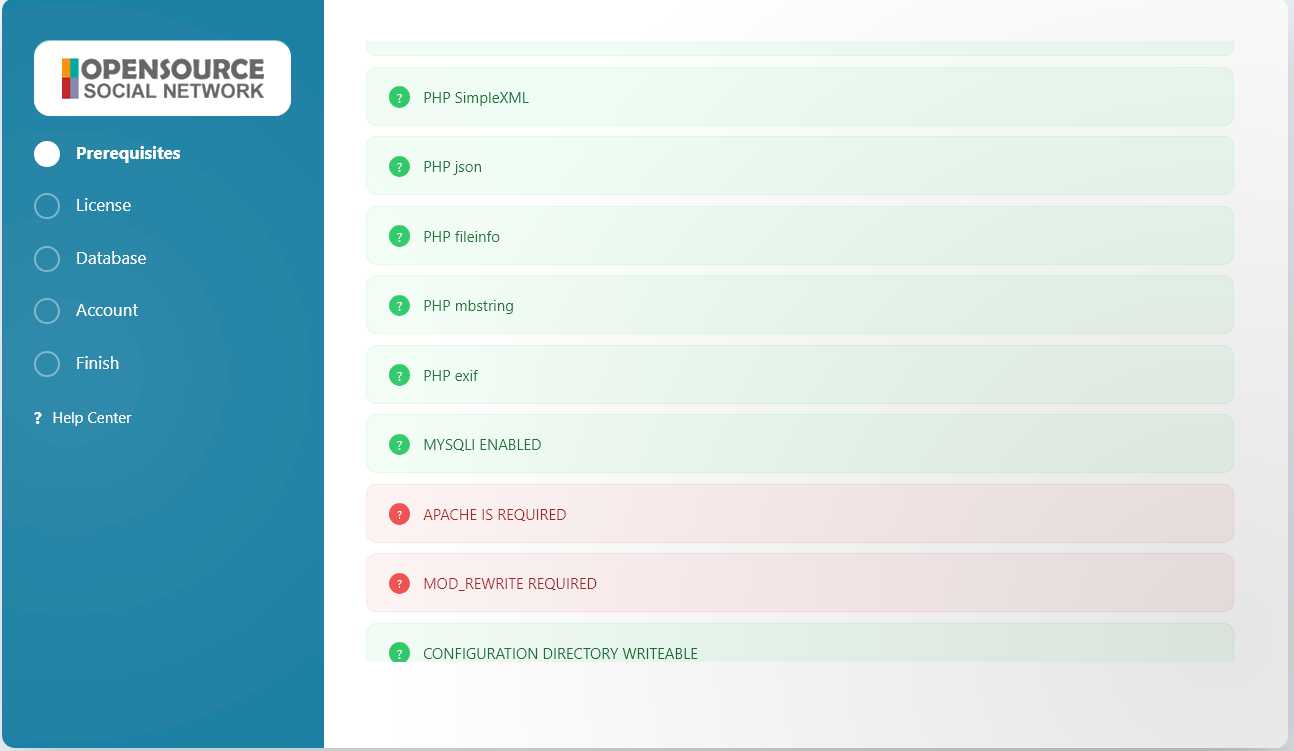
And this is the screenshot, When I am switching to Nginx Server
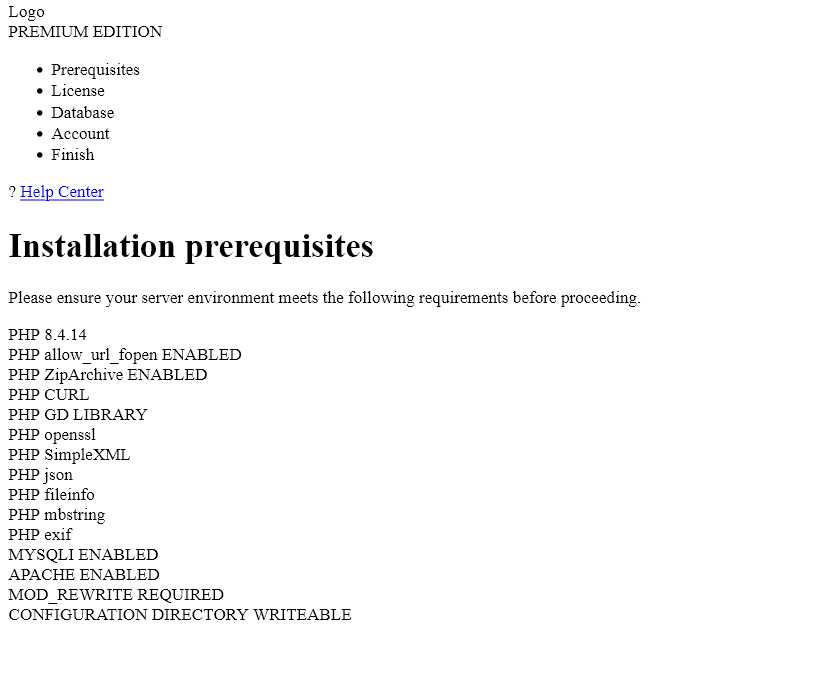
This is the screenshot, when I am using Apache 2.4
Due to the many requests in the past for additonal features and components we have decided to develope a premium version. Features like Hashtags, Videos, Polls, Events, Stories, Link Preview, etc included in it.
 $199 (Life Time)
Learn More