It's quiet here, share your site


If using OSSN:
OSSN version:
Website URL (optional):
If facing any bug:
PHP Version :
Error Log if any:
Browser:
OS (Window/Linux/Android/iOS/Mac):
Hi there, what are you all working on. Share the new, components, themes etyc

So, today I’d like to introduce you to my website. 😊
I’ll show you what I’ve built and worked on recently, and give you a little tour of my community. 🚀💜

😊 User Mood
With User Mood, you can show others how you are feeling right now.
Choose a mood that matches how you feel and share it on your profile. Your selected mood is displayed on your profile and can be changed or removed at any time.
This allows other members to see your current mood at a glance – simply and without needing many words. 💜
my site https://champstyle.net

I created an invite only component that basically locks down the site and only allows people to register if they've been invited to do so by a registered user.
if you mean try the test environment.
that is working
https://shadow.justbsocial.eu/
just register three test users

@Eric didn't you resolved issue with signup?
Unfortunately, the registration isn't working.
Looks nice!
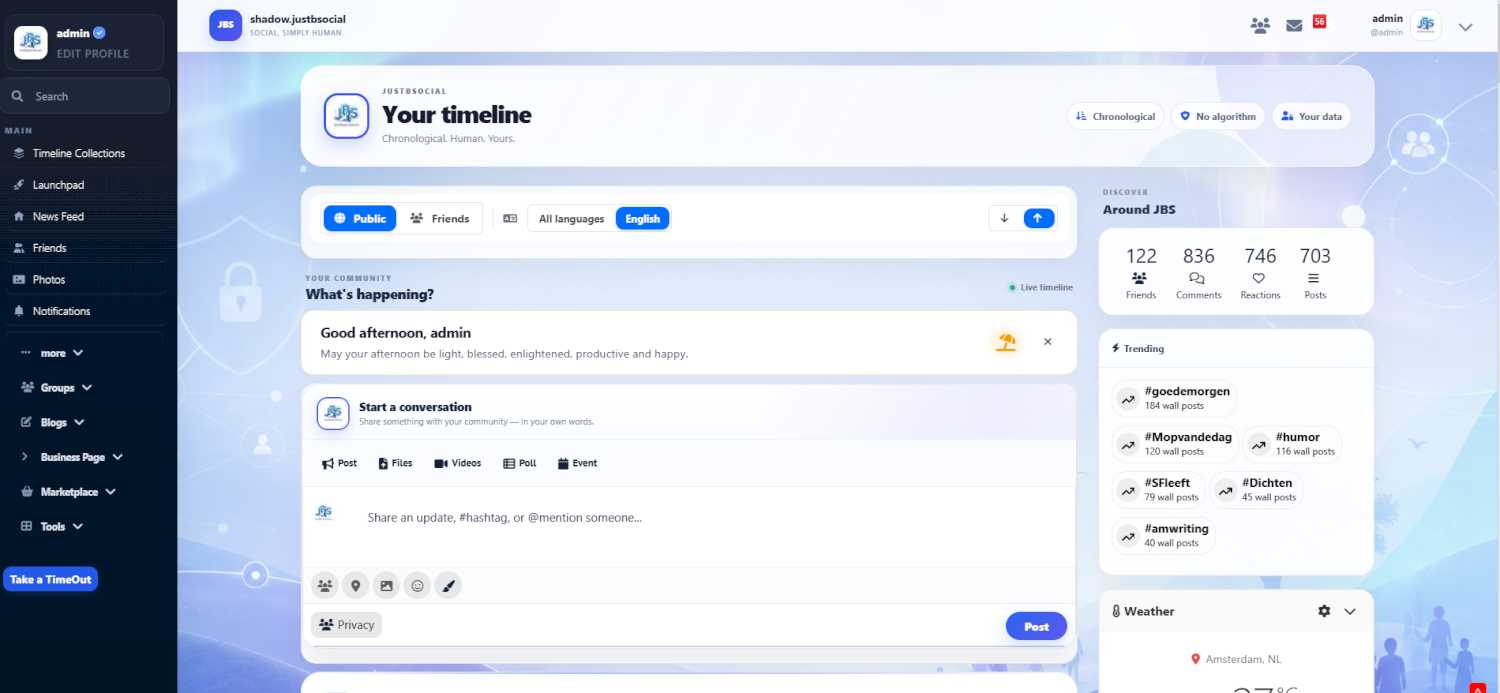
Ossn 9.11
Thema Aurora JBS
Think i got it, week testing and no errrors so far
Thanks Arsalan.
Again steps made. Dont forget to test your site regular as new member also
Good reference

Yup: everyone playing with AI right now.
Personally, I'm evaluating OSSN for a private social network. Just curious what have been/are your biggest headaches with the system of software. Looks to me like a pretty easy system at large!
Frankly, I date back to Amiga BBS days and am way behind (understatement) for this genre of community software. Fortunately, I just retired and have some extra time to fill now.
Got about a week to decide which path to meander down, input welcomed!
Rolf
Did you changed the fontawesome version from 6 to other? the icon is fontawsome it appears
.sidebar-menu-nav ul .sub-menu li:before {
    font-family: 'Font Awesome 5 Free';
    display: inline-block;
    padding-left: 10px;
    padding-right: 10px;
    vertical-align: middle;
    width: 35px;
    float: left;
}
.menu-section-item-newsfeed:before {
     content: "\f0a1" !important;  /*** this is newsfeed fontawesome unicode ****/
}
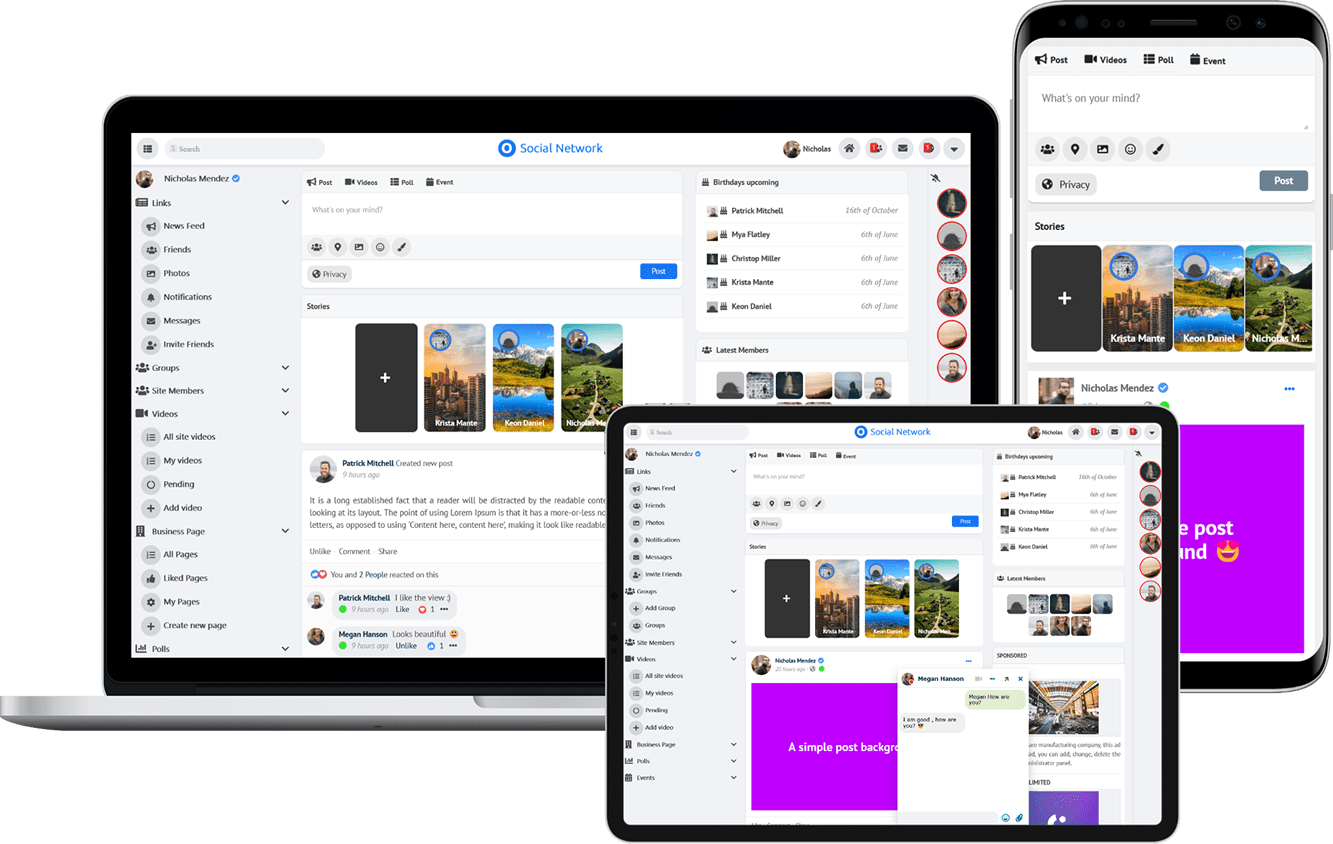
Due to the many requests in the past for additonal features and components we have decided to develope a premium version. Features like Hashtags, Videos, Polls, Events, Stories, Link Preview, etc included in it.
 $199 (Life Time)
Learn More