Image not found error


If using OSSN:
OSSN version: 10
Website URL (optional): https://justbsocial.eu
If facing any bug:
PHP Version:
Error Log if any:
Browser:
OS (Windows/Linux/Android/iOS/Mac):
Issue: Images in timeline/comments show “Image not found”
I noticed something strange with images in the timeline.
When I add an image to a comment on a timeline post, the image is initially displayed correctly. However, when a user clicks on the image, they get the message:
“Image not found”
The same happens for me as administrator.
After this happens, the screen stays in this state and there is no obvious way to return to the timeline. The page has to be refreshed manually to continue using the site.
I noticed the same behaviour of staying when clicking an image that is included in the original timeline post, so it does not seem to be limited to comment images.
I tested this with both:
- The standard GoBlue theme
- My own custom theme
The problem occurs with both themes, so it does not seem to be theme-specific.
Has anyone else seen this behaviour in OSSN 10, or knows what could cause the image viewer to return “Image not found”?
Solution found.
The problem was caused by the Fancybox component replacing OSSN’s native comment image URL:
comment/image/...
with its own custom comment-image/... route.
That custom route tried to read the image directly from ossn_data/annotation/.... This worked on my test environment, but failed on live with “Image not found”, leaving the Fancybox overlay open.
For OSSN 10 the fix was simply to stop rewriting the URL and let OSSN handle comment images through its native file handling.
I also fixed a few smaller issues in the component, including some locale keys, AJAX-loaded comment images and the album setting.
After updating the component and flushing the OSSN cache, comment images work correctly again on live.
Main fix:
Keep the native OSS
i can provide the alterned zip if wanted
update, only active components
ReduceImagesSize
PasteImageWall
and its gone whene deactivate fancybox
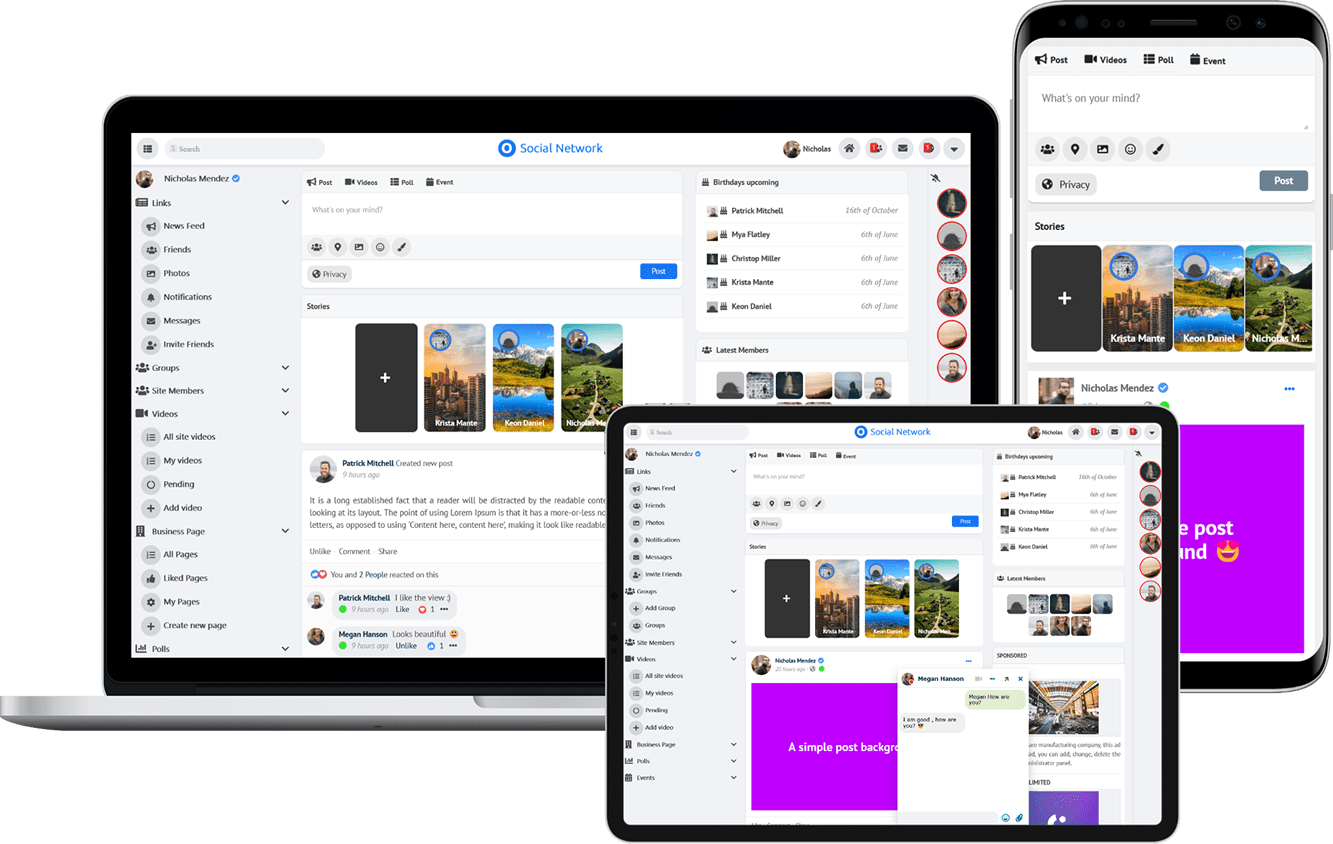
Due to the many requests in the past for additonal features and components we have decided to develope a premium version. Features like Hashtags, Videos, Polls, Events, Stories, Link Preview, etc included in it.
 $199 (Life Time)
Learn More