Adding tracking content


I have installed a MATOMO server for tracking activity on my websites, they say it should go on every page, but I would be good with installing it on the first page after login. where if possible would this code be inserted
Make sure this code is on every page of your website. We recommend pasting it immediately before the closing </head> tag.
<!-- Matomo -->
<script>
var _paq = window._paq = window._paq || [];
/* tracker methods like "setCustomDimension" should be called before "trackPageView" */
_paq.push(['trackPageView']);
_paq.push(['enableLinkTracking']);
(function() {
var u="//millerwebtech.com/";
_paq.push(['setTrackerUrl', u+'matomo.php']);
_paq.push(['setSiteId', '1']);
var d=document, g=d.createElement('script'), s=d.getElementsByTagName('script')[0];
g.async=true; g.src=u+'matomo.js'; s.parentNode.insertBefore(g,s);
})();
</script>
<!-- End Matomo Code -->

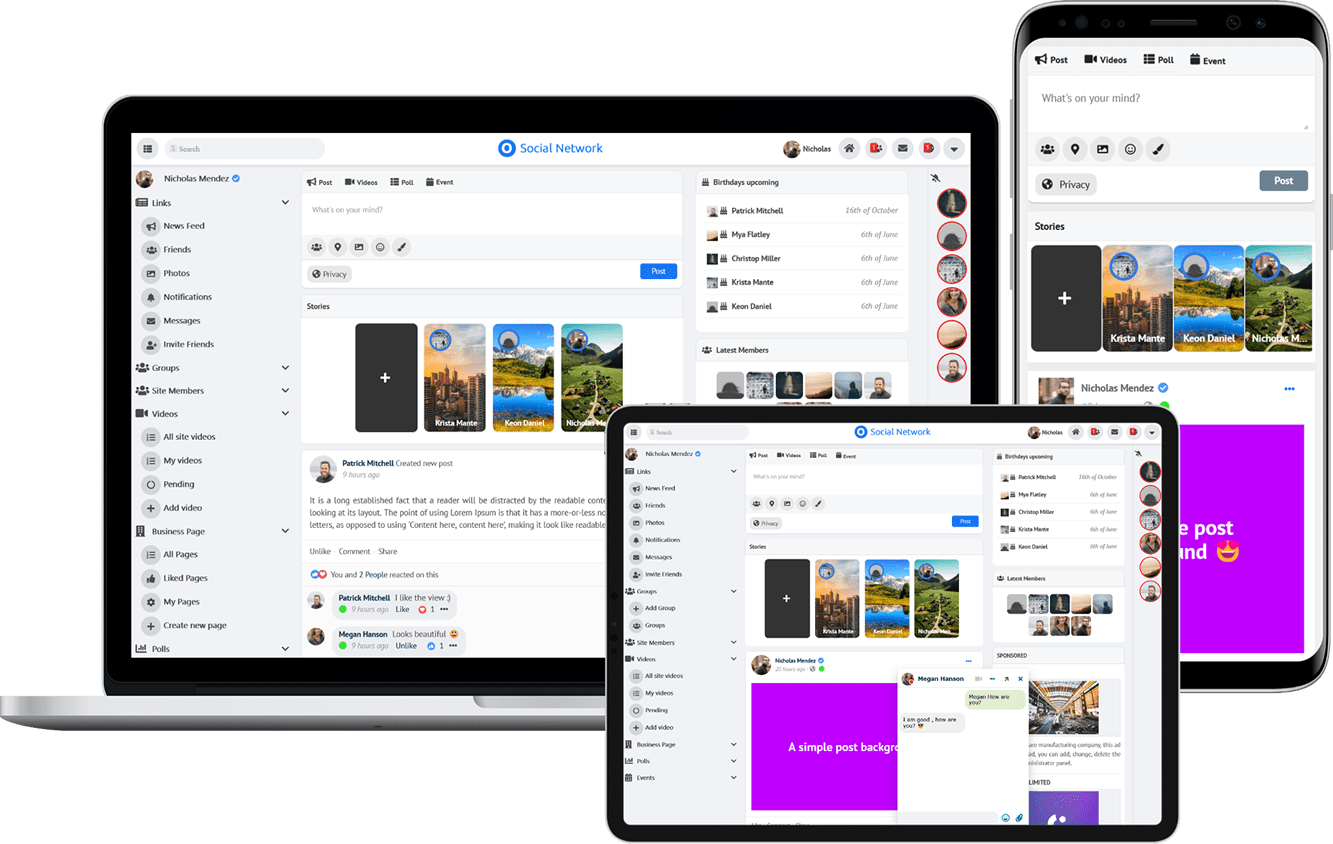
Due to the many requests in the past for additonal features and components we have decided to develope a premium version. Features like Hashtags, Videos, Polls, Events, Stories, Link Preview, etc included in it.
 $199 (Life Time)
Learn More