Integrated update module


Platform Information:
OSSN Version: 8.1
Website URL (optional): —
PHP Version:
Error Log (if any): —
Browser:
Operating System: Windows / Linux / Android / iOS / macOS
Not a bug — a usability challenge.
Situation:
The current OSSN update module offers two options for updating components:
FTP upload
Remove and upload again
The issue with option 2 (remove/upload) is that custom files like language translations (e.g. ossn.nl.php) are deleted in the process.
Yes, you can manually back them up, but that means going back and forth between FTP or cPanel — quite error-prone and inconvenient.
Real Example:
Today, I updated the First Time Login Redirect component.
After activating the update, I received a 505 error.
Why? My custom .nl language file was missing and had to be recreated manually.
Suggestion:
Consider a more seamless update experience — like what HumHub’s Updater Module offers.
A built-in versioning system with preservation of custom files (or at least a warning/backup suggestion) would greatly improve usability and prevent downtime.

I couldn't agree more
Okay fair and understandable answer.

I am 100% agree with Micahel.

Harry, you wrote:
"Consider a more seamless update experience" ...
I don't believe in anything like that. If you feel the need to change a component of mine for example, and some time later I decide to release an update for whatever reason: Which 'intelligent' updater would be able to decide if YOUR change is the more important, or MINE, or maybe BOTH should/could be merged?
And as for losing your own added or changed translations: There's the Custom Strings component
https://www.opensource-socialnetwork.org/component/view/1942/custom-strings
available to help you storing that kind of stuff in a safe place.
well stupit to clean the log, but put back the old version, dit the same and now it works!!!
grrr beats me.
okay still i think an cool update module would be great
Trying to reproduce your issue - having set my site to Dutch language
- installing FTL 1.3 -> no crash
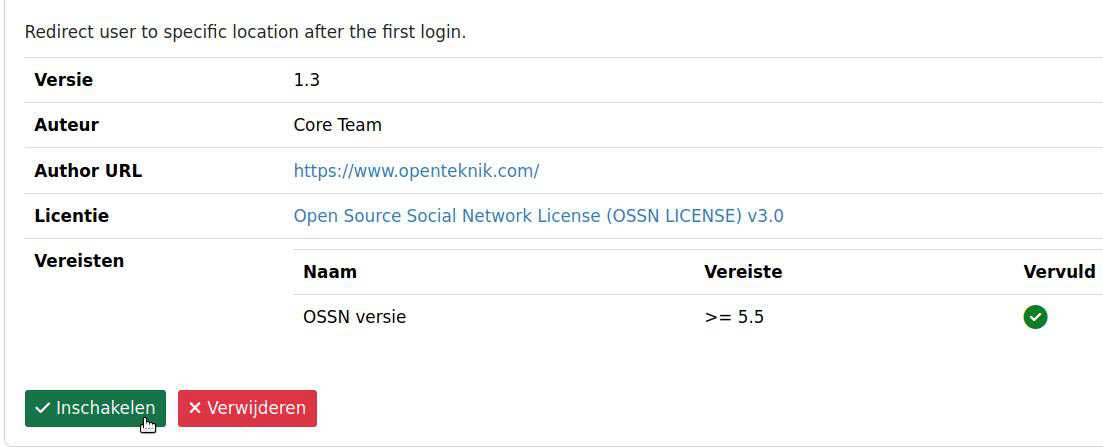
- enabling FTL -> no crash
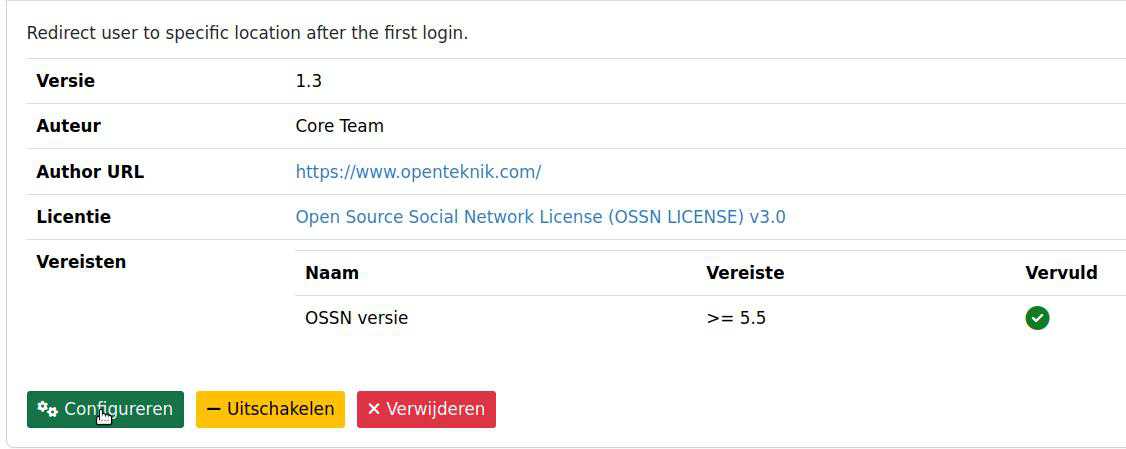
- proceeding to setup page -> no crash
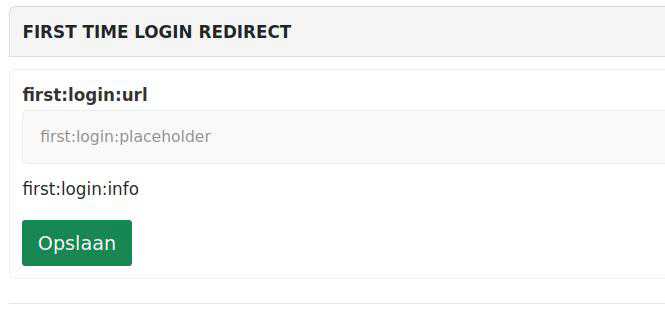
- clicking save -> correct warning -> no crash
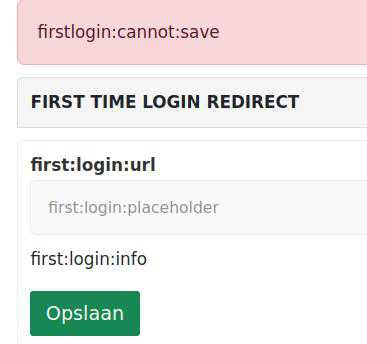
As we see, Ossn reacts as expected: Whenever a language string or completete language file is missing, it won't crash your site, but the coded key will be displayed instead.
Even more a 505 error points to something completely different. Thus, check your server's main error_log file because any error of type 500 and above should be logged there.
Due to the many requests in the past for additonal features and components we have decided to develope a premium version. Features like Hashtags, Videos, Polls, Events, Stories, Link Preview, etc included in it.
 $199 (Life Time)
Learn More