How to Upgrade from free version to premium


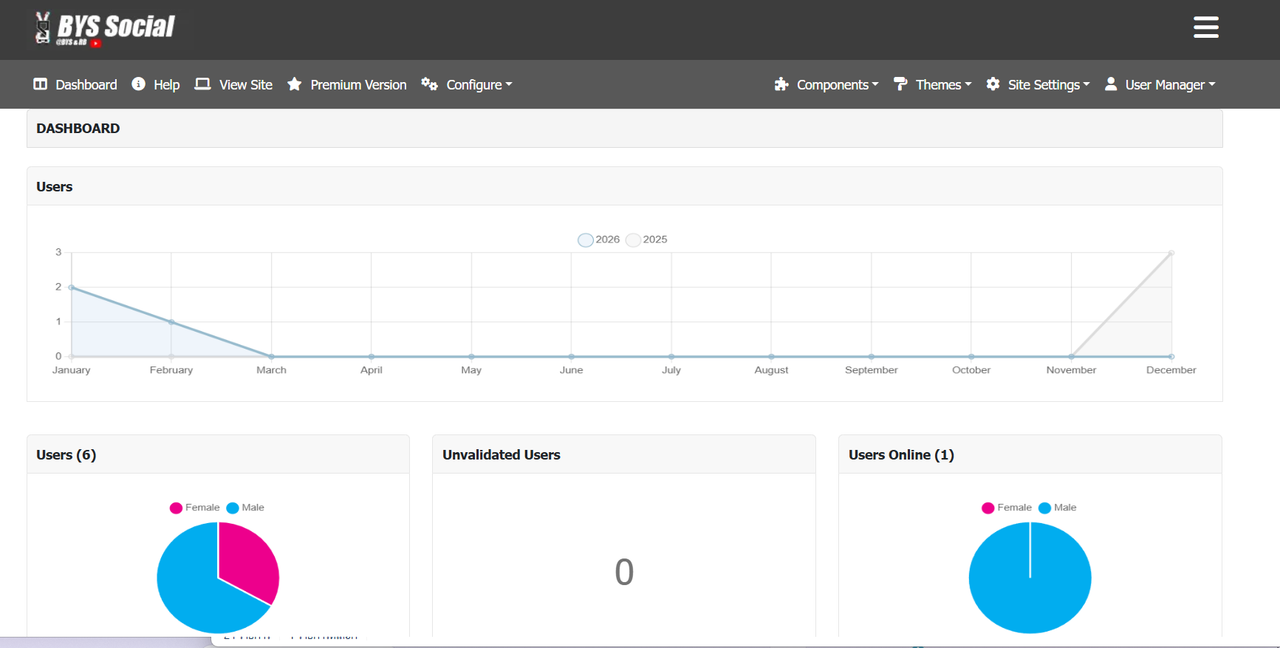
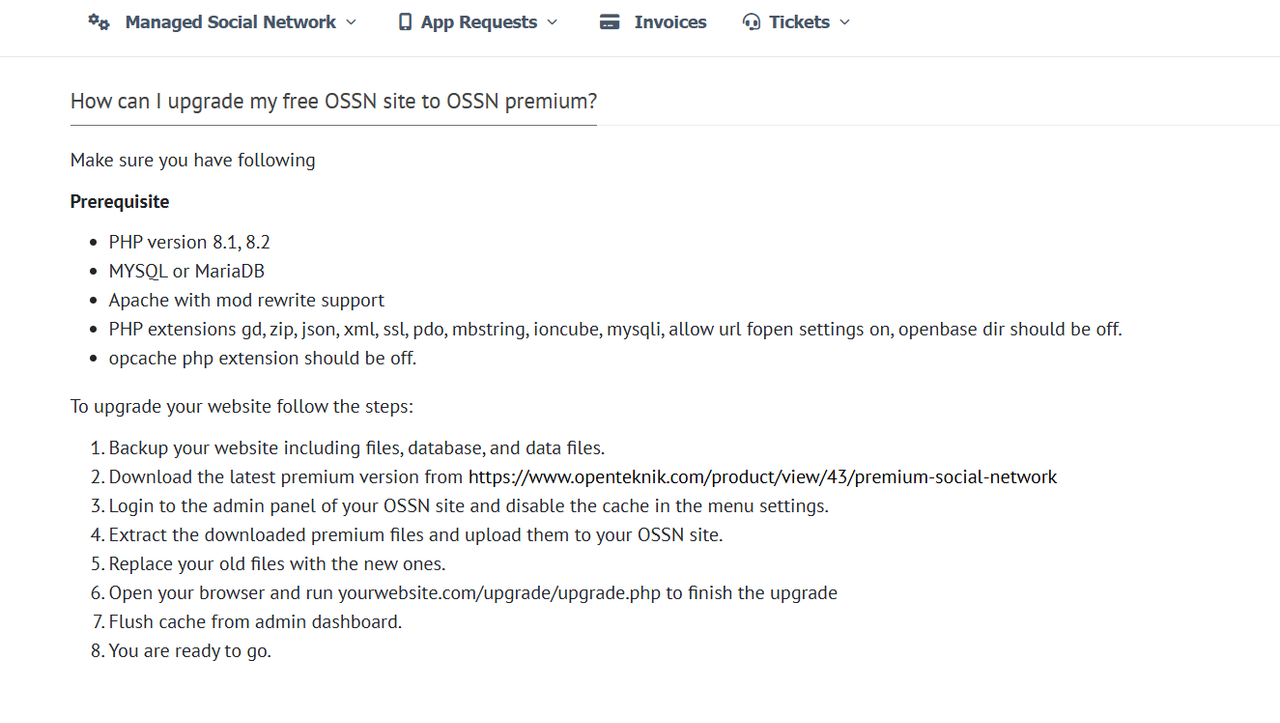
I want to upgrade from the free version to the Premium version. I've read the guide, but I'm a confused.

premium social network didn't have compomnents/MobileLogin/locale/ossn.fr.php did you added this file? and also there is no line 18 in offical translations provided here : https://github.com/openteknik/locale/blob/main/French%20(fr)/components/MobileLogin/locale/ossn.fr.php
Where did you added this file?
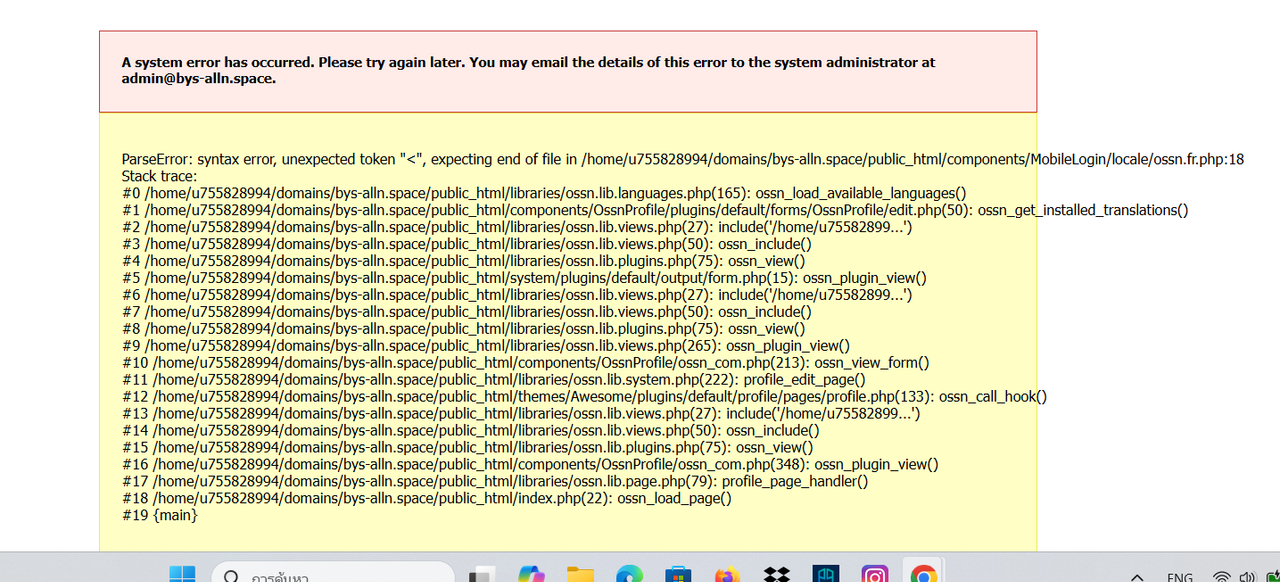
Enable error reporting, then go to account settings page and then see the error log there must be something missing or langauge string issue
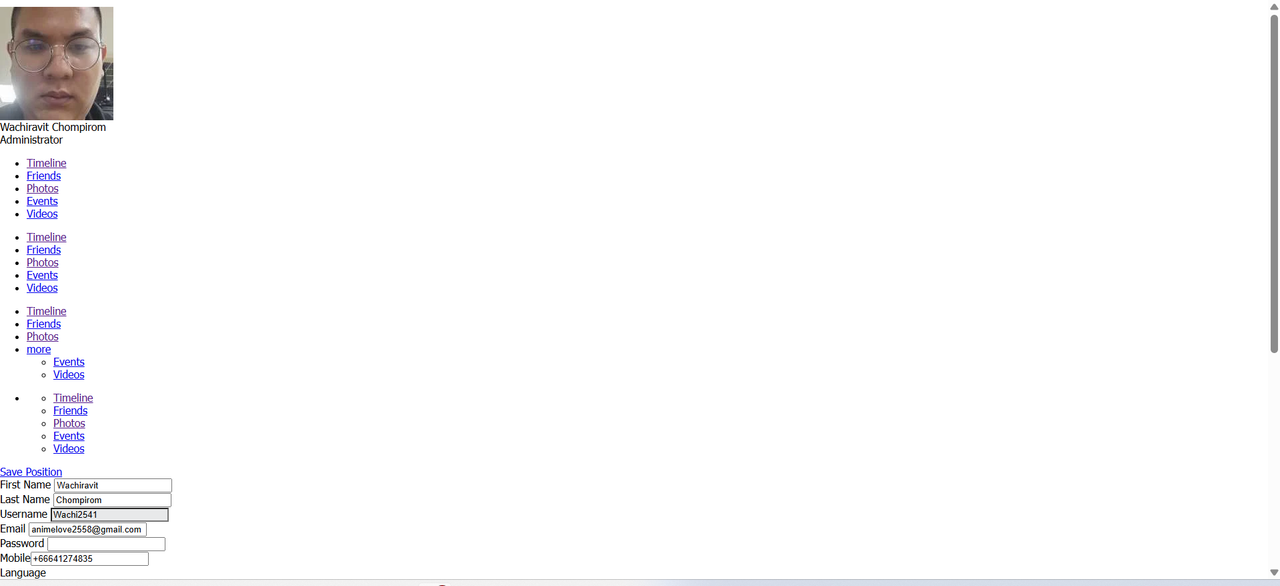
In the Account Settings page of the Premium version, it ended up looking like this. How can I fix it?
Yes you need to enable that extension in your php or ask your provider to enable it for you on your cPanel in php manager.
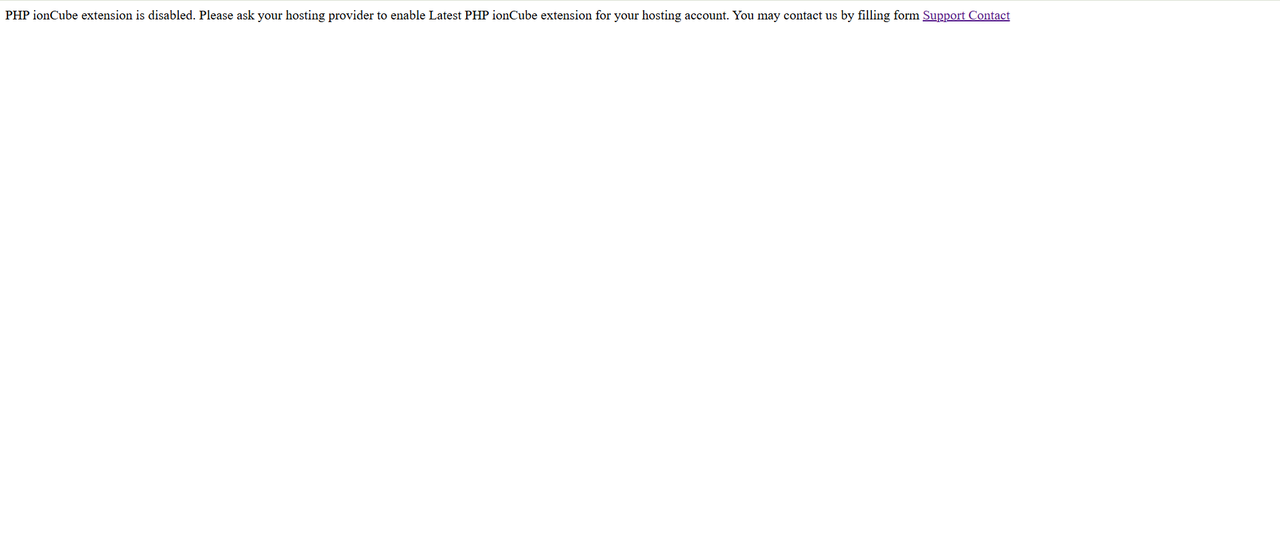
I followed the steps, but this is what appeared on the website.
Replace your free version files, in root of your site or go to public html where your site files localted example index.php components, themes etc you need to copy new files from premium social network zip and replace your free version files.
Where should I replace all the files? I'm still confused.
Simply backup everything,
Then download premium social network zip file
Login as admin into your website
Replace all the files of your website with premium zip file and run yourwebsite.com/upgrade/upgrade.php
Due to the many requests in the past for additonal features and components we have decided to develope a premium version. Features like Hashtags, Videos, Polls, Events, Stories, Link Preview, etc included in it.
 $199 (Life Time)
Learn More