Why Email Verification Doesnt Work At My Site ??

Email Verification on my site doesnt work
if signup & reset password,email verification doesnt send
whats wrong ??


A much different approach would be to spread the insight that you simply can't expect to get everything for free. There are thousands of reliable hosting providers offering a seamlessly working PHP/SQL/MAIL environtment for less than 5 bucks a month - it can't be the business of OSSN to support exotic home brewed solutions.

@I think in V3.x we should provide to add custom mail server settings.
I can't see any relation to xammp. xammp is offering a web server and a mysql server - no smtp server. The smtp server is part of your windows. So the first step is to follow the advices in the knowledgebase article to set up a working smtp service listening on port 25.
Php's mail function does nothing except trying to connect to this port and delivering the mail when the connection is established. But you don't have to spend a thought on that as long as smtp itself is denying to send anything to the outer world.
this might be helpful, too:
http://www.ruhanirabin.com/php-sendmail-setup-with-smtp-iis-and-windows-servers/
To isolate the problem, I'd suggest to start from the very beginning:
- Follow the steps as described in http://support.microsoft.com/de-de/kb/323350/en-us
- If you're not able to send mails this way manually, there's a good chance your problem is caused by your home hosted site because today many providers deny to receive mails from this range of Ips.
- If you are, my next step would be to run a known working email client like thunderbird to connect to your smpt server and make use of it.
- If this is working, but php still not, it's time to check your servers php configuration.
good luck.
@Steve,
Your server seems to be perfect, if you are thinking of installing linux then install centos and after installing centos ,
install http://webuzo.com/wiki/Install webuzo is a good panel, you don't need to configure anything, you can install/configure mail server on one click.

Config site notification email looks fine, but as Syed mentioned mail will not function w/out a mail server on machine. Any old PC will do just fine for a basic linux LAMP server installation, and one such server can run a multitude of applications (web, mail, mysql, php, control panel, +more) and for multiple sites as well. I have one for testing/sandbox use that is a Pentium (NOT even a 2!). It still works, so I just think its fun to still use.
Might I suggest possibly placing an ad in classifieds for a "free for hauling" old or outdated PC, you may be pleasantly surprised at the number of machines available using this method.
@Steve, make sure you have php sendmail or dovecot is running on your server.
Also php sendmail and dovecot is not sending emails to some custom emails , but works on yahoo, gmail etc.
Thanks
In the OSSN administration configuration recommended email address (the FROM address) would be noreply@"your domain", or something similar (replace "your domain" with your actual domain name).
Just some advice, I would suggest repurposing an old PC into a linux box (server, not desktop edition) for a LAMP server, once set up you can remove the keyboard, monitor & mouse and just let it run somewhere inconspicuous, still connected to your network. Add a free control panel for administration (such as Webmin), so you can log in from any other PC and administer. You will find this much easier than a windows box, with PLENTY of tutorials for any distribution you choose.
The way email works FROM a server it simply SENDS the mail (created by OSSN) TO the address indicated by the new user, while automatically filling in the "from address" as indicated from your setup by the installation of OSSN.
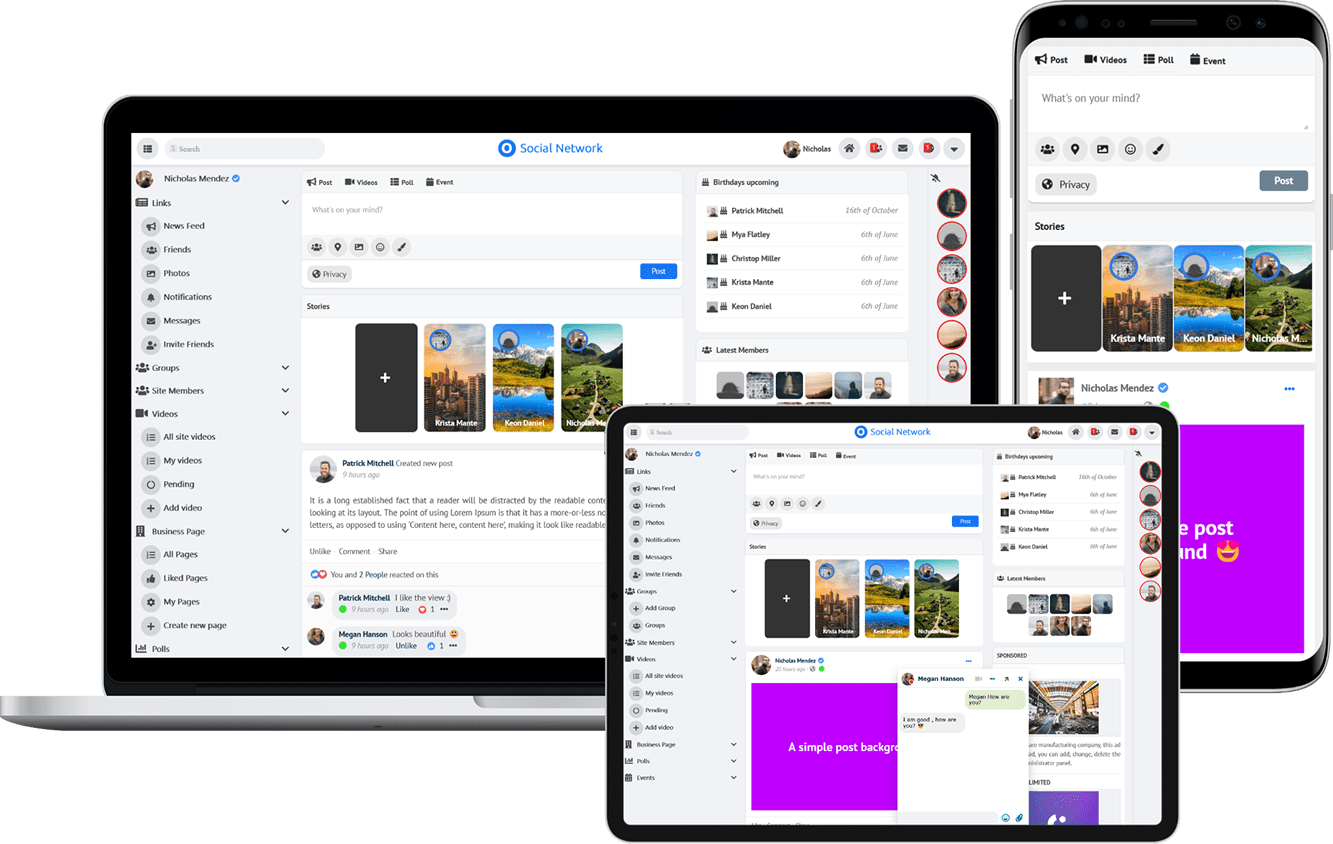
Due to the many requests in the past for additonal features and components we have decided to develope a premium version. Features like Hashtags, Videos, Polls, Events, Stories, Link Preview, etc included in it.
 $199 (Life Time)
Learn More