Ip blocker for my website is very much needed


This is needed as I have repeat offenders on my website

@steven, you might want to read through my previous replies on this thread - i already explained fully how to save a user's ip to the ossn database, and Arsalan provided another method for saving the data as well.
it's in the superglobal $_SERVER in php and in most cases you can use $_SERVER['REMOTE_ADDR'] to get the client ip address in a script. there are certain cases where it may be under one of the other indices in that superglobal, such as HTTP_CLIENT_IP, HTTP_X_FORWARDED_FOR, HTTP_FORWARDED_FOR, HTTP_FORWARDED and maybe a couple more that i'm forgetting. i know there are several posts on stackoverflow that describe comprehensive ways of getting the client IP address.
gotcha, I meant a callback, they can be easy to confuse... lol

You still need a callback, there is a callback for login and hook for registration, you may use that to enter into those events. I was referring in case you want to store something to user within those events you may use that code.
wouldn't you still have to set that data via a hook though? what I mean is, wouldn't the code ending with $user->save() still have to be run as part of the login hook? I do see what you mean about how that avoids the need to add an extra column to the users table, that is certainly useful to know.
besides hooks OSSN provides a way of storing extra data for you and without touching the database (aka without adding extra columns). Just example (adding/editing):
$user = ossn_user_by_guid(1);
$user->data->extra_attribute_name = 'abc';
$user->save();
Later you can access it via
$user->extra_attribute_name;
I actually built a custom component which records the last ip of each user upon logging in for a project I was doing a while ago (by adding a column to the ossn-users table). It's fairly easy if you understand how hooks work in ossn. You just need to set up a hook for the login event and have it run an update sql query. You can email me about custom development if you want, address is in my profile.
Steven explained my point perfectly
If you have ssh access, the easiest (and most comprehensive way to do this) would be to block that ip via /etc/hosts.hosts . deny ... but you haven't told us what kind of hosting you have, so suggestions may be of limited usefulness

I think most hosts allow IP blacklist from the server level. I have blocked certain countries that are most known for hackers via WHM. There is also a way to block anonymous users (proxies). I have been blocked by other sites because I was using a proxy. (Craigslist) Also IP Blacklist cloud offers a free download of the most dangerous IP address. Just remember, the more IP address you add to your blacklist, the longer it will take for your page to load.
Due to the many requests in the past for additonal features and components we have decided to develope a premium version. Features like Hashtags, Videos, Polls, Events, Stories, Link Preview, etc included in it.
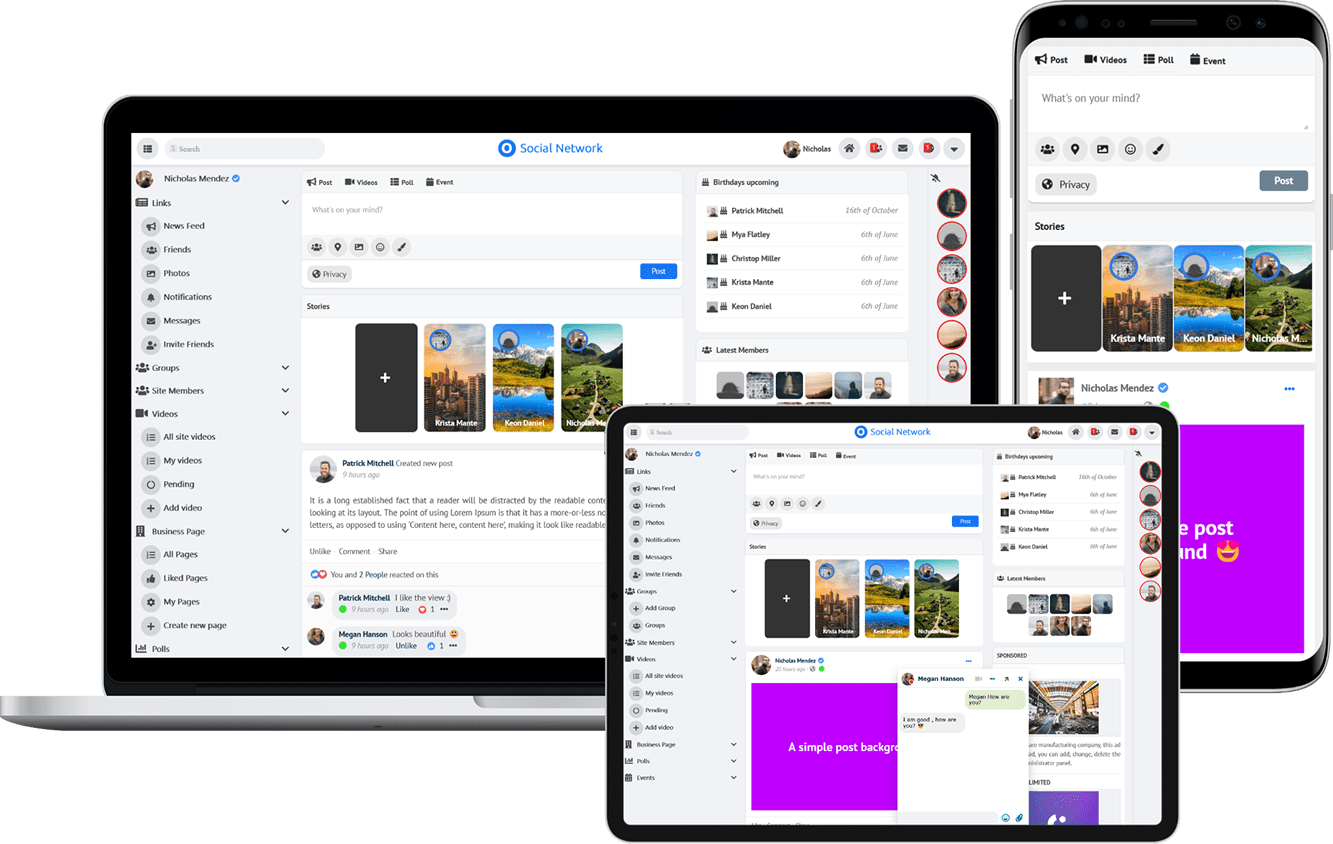 $199 (Life Time)
Learn More