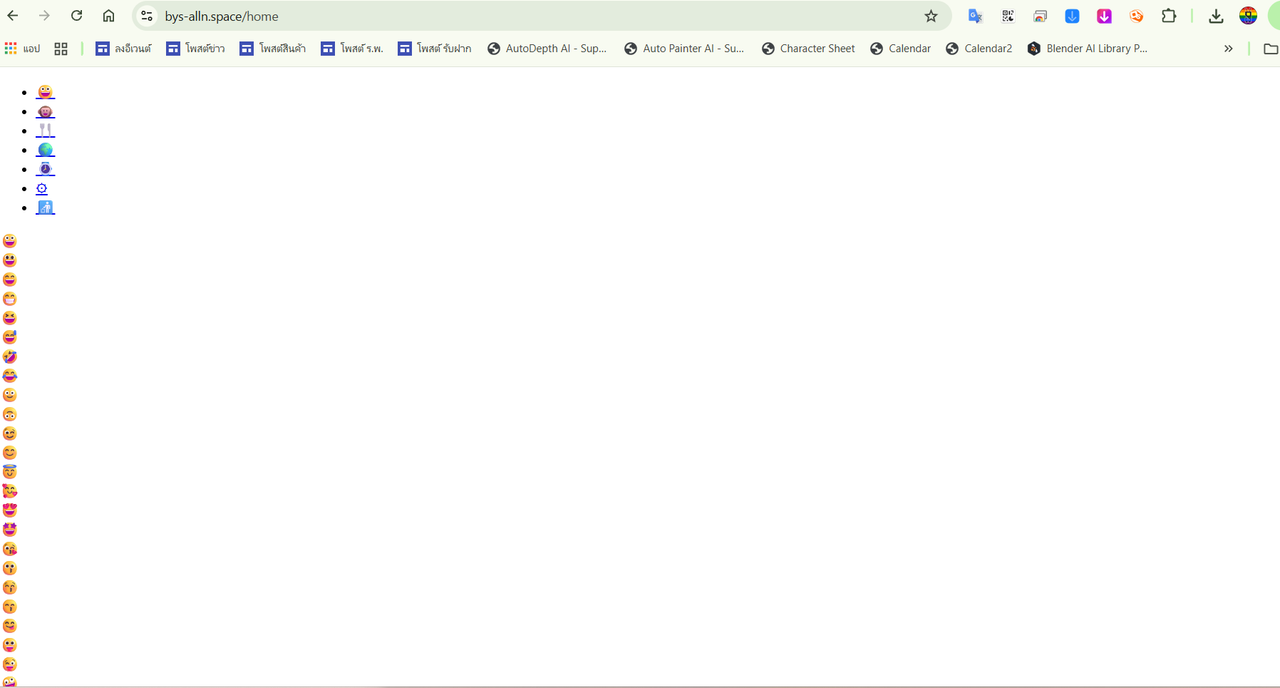
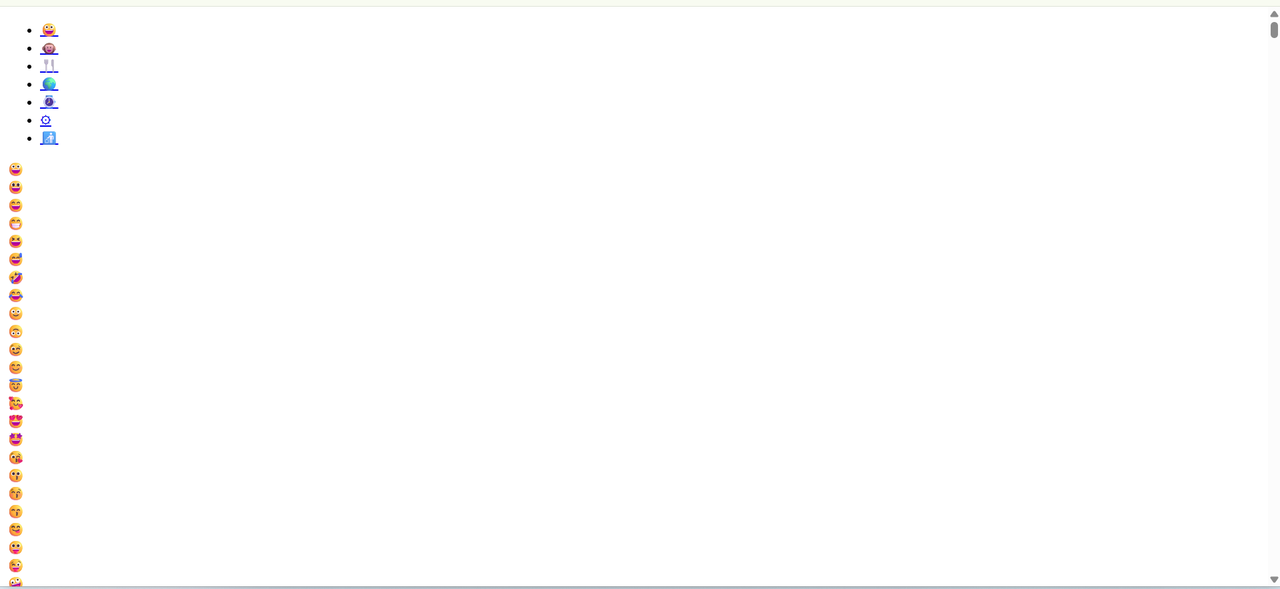
I translated to Thai, but after logging in and setting the profile to Thai, I immediately get a white screen with emojis.


I translated the language files into Thai, and once I logged in, other pages still work fine, but the website's main page looks like this. I would like to know how to fix it.

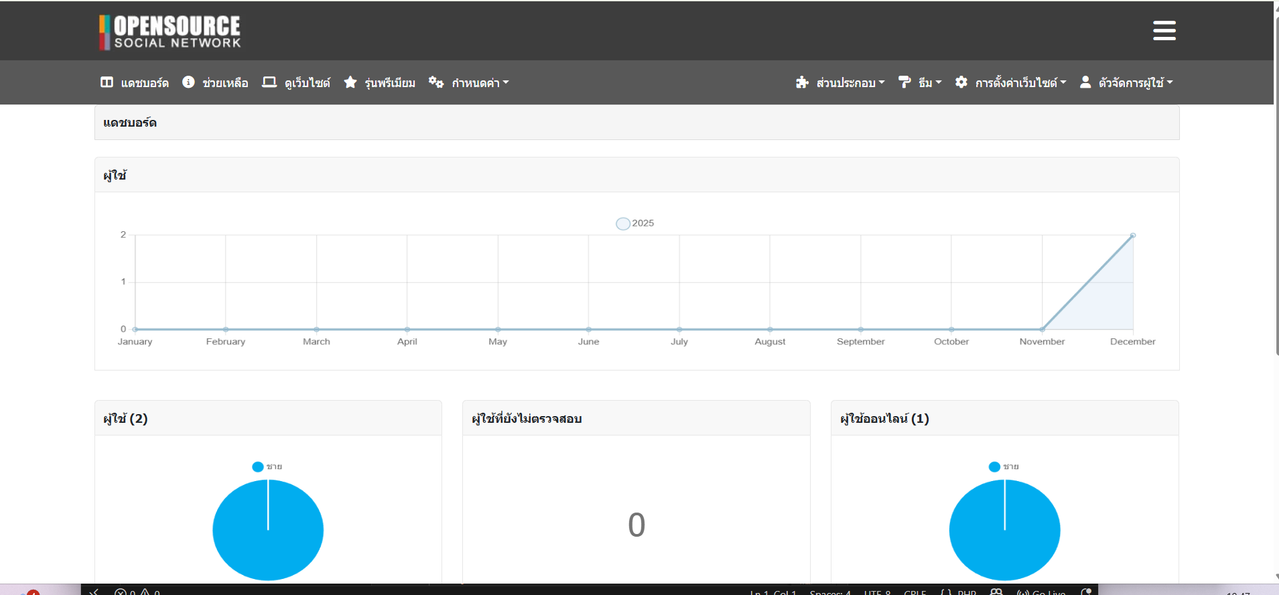
You can install by going to administrator panel -> Components -> Installer once installed enable it
https://www.opensource-socialnetwork.org/wiki/view/2006/how-to-install-and-update-components
Now can you install https://www.opensource-socialnetwork.org/component/view/6713/language-export and export thai langauge and provide us zip file to put in core please.
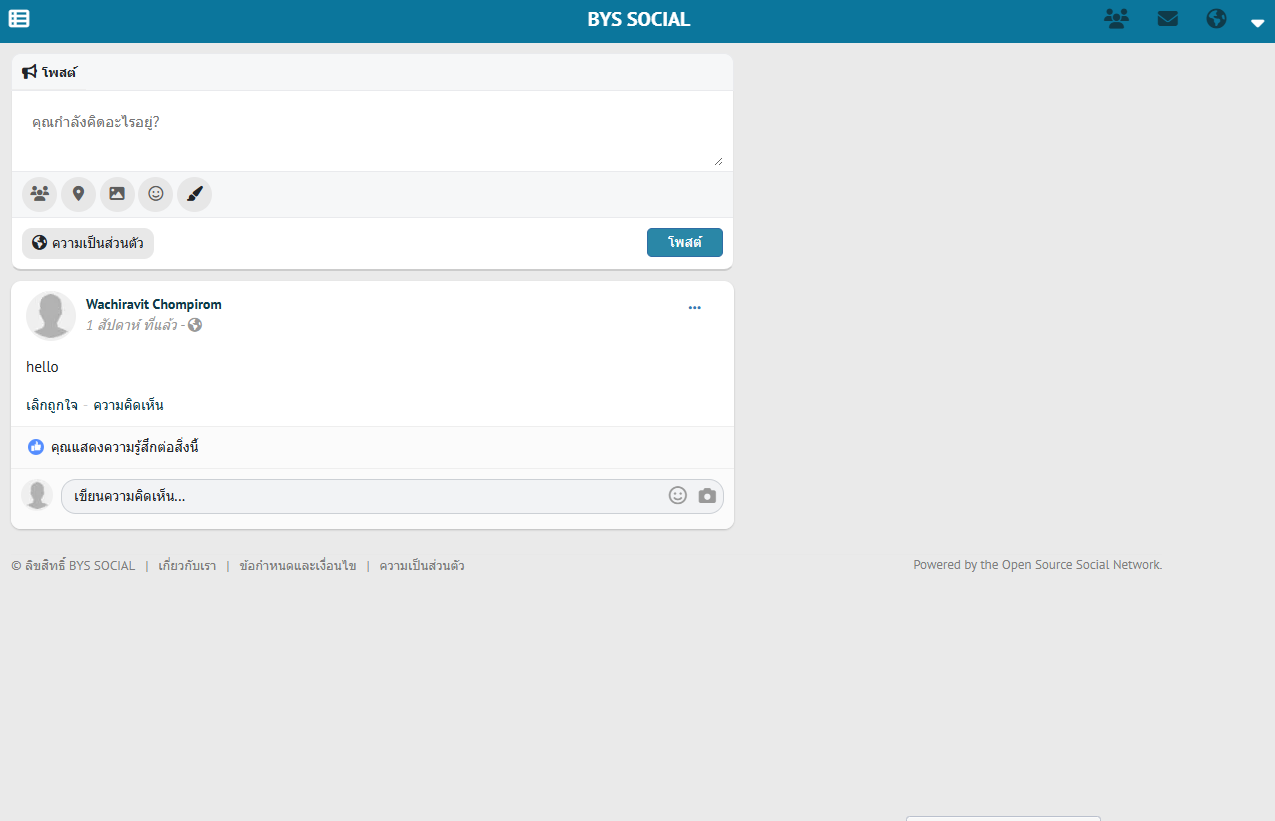
It's working now. Thank you
Glad you found it, and i hope he will share zip and we can put into core

Arsalan,
I just found what's causing the issue:
I created an account at his site and switched to Thai in order to get a view into ossn.language.js:
He simply did not follow my advice precisely,
Instead of changing the line to
'powered' => 'Powered by the Open Source Social Network.',
he changed it to
'powered' => 'Powered by the Open Source Social Network',
The dot is missing at the end. ;)
Download and export thai langauge and provide zip file
https://www.opensource-socialnetwork.org/component/view/6713/language-export
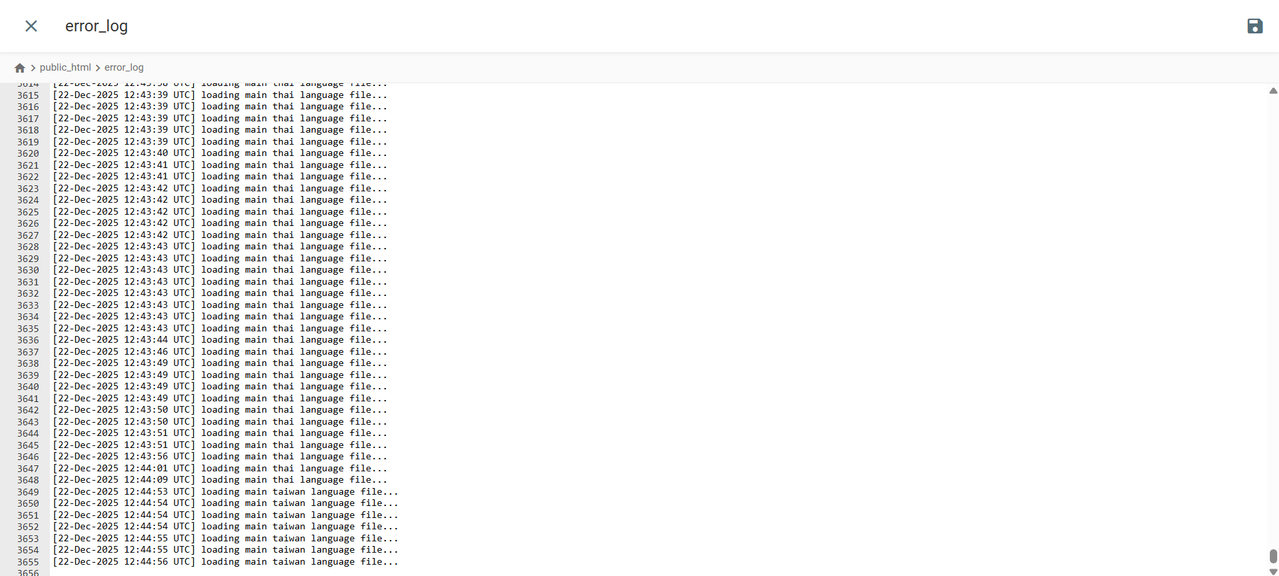
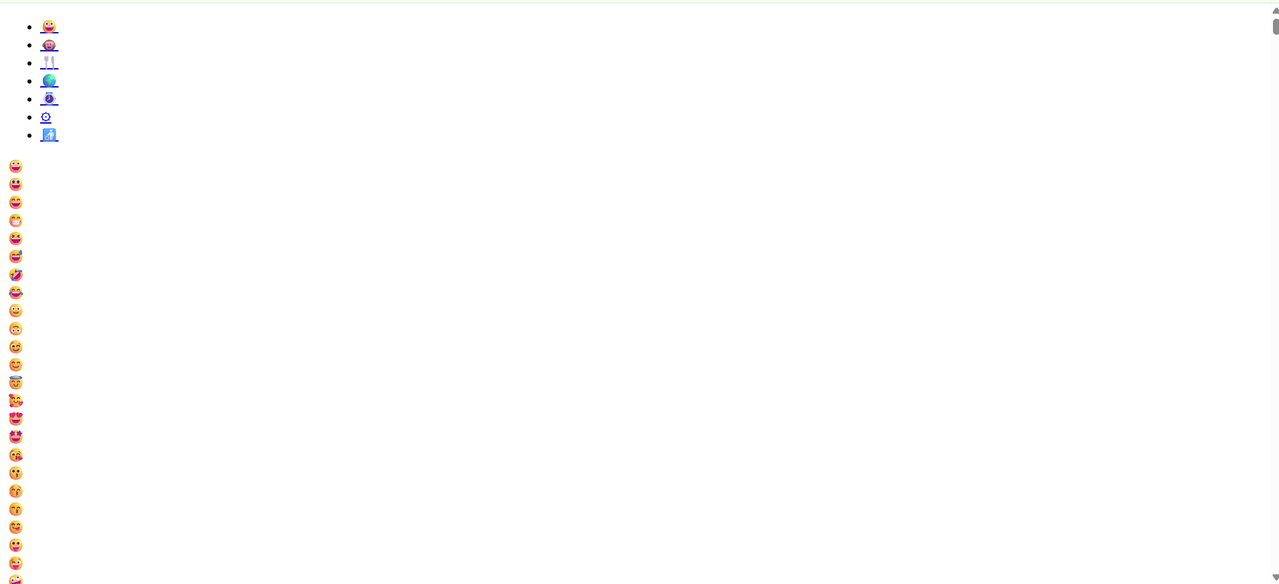
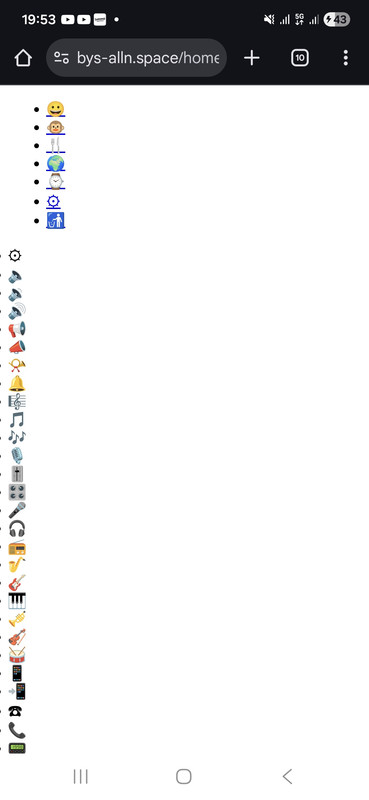
You might get a similar issue, if the selected language is Taiwan, but the main language ossn.th.php file is not in place, mis-spelled, got blanks in the file name, whatever
To make sure it's really getting loaded, you may add a line like that in the beginning:
 * @link      https://www.opensource-socialnetwork.org/
 */

error_log('loading main taiwan language file...');

$th = array(
    'home' => 'หน้าหลัก',
Then load your site again and check the error_log file: It should contain that line like
[21-Dec-2025 16:42:12 Europe/Berlin] loading main taiwan language file...
Sorry, but I can't reproduce your issue.
Please check your error_log file
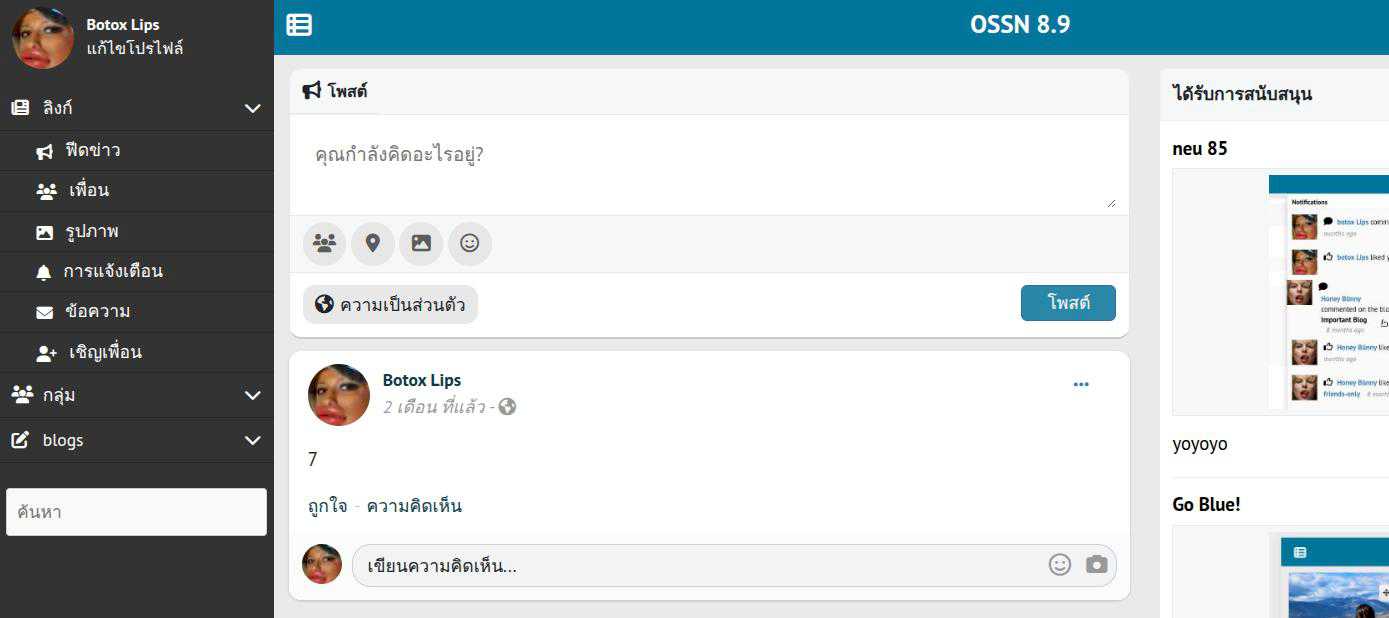
Having installed all of your files (with replaced 'powerd') : it's work fine for me like
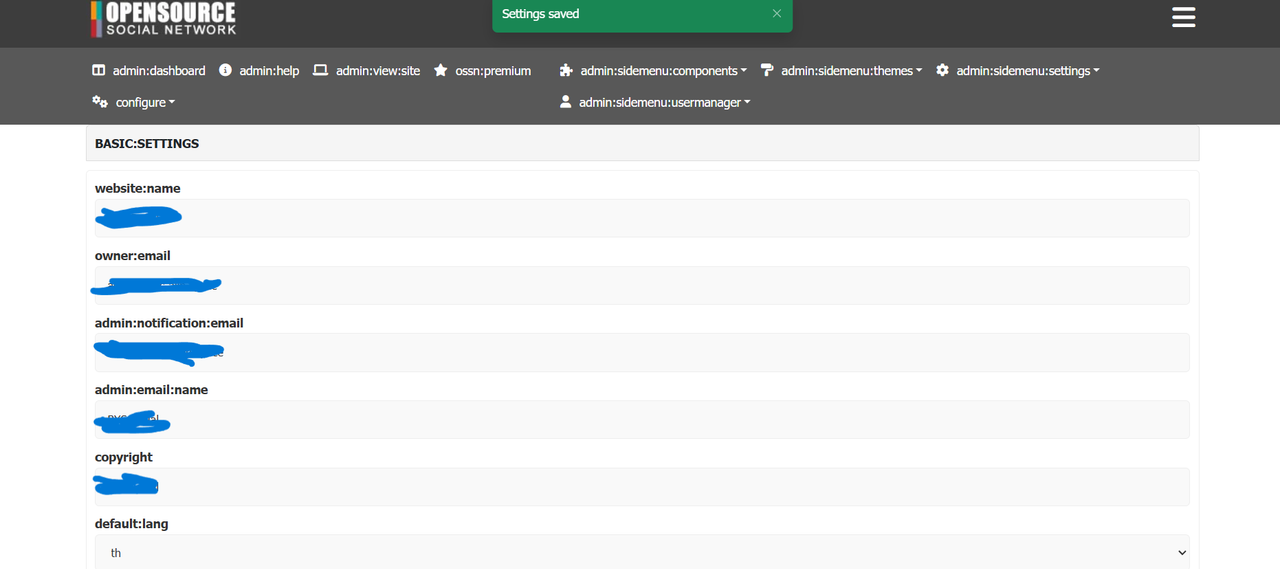
Still the same, plus more bugs
Due to the many requests in the past for additonal features and components we have decided to develope a premium version. Features like Hashtags, Videos, Polls, Events, Stories, Link Preview, etc included in it.
 $199 (Life Time)
Learn More